

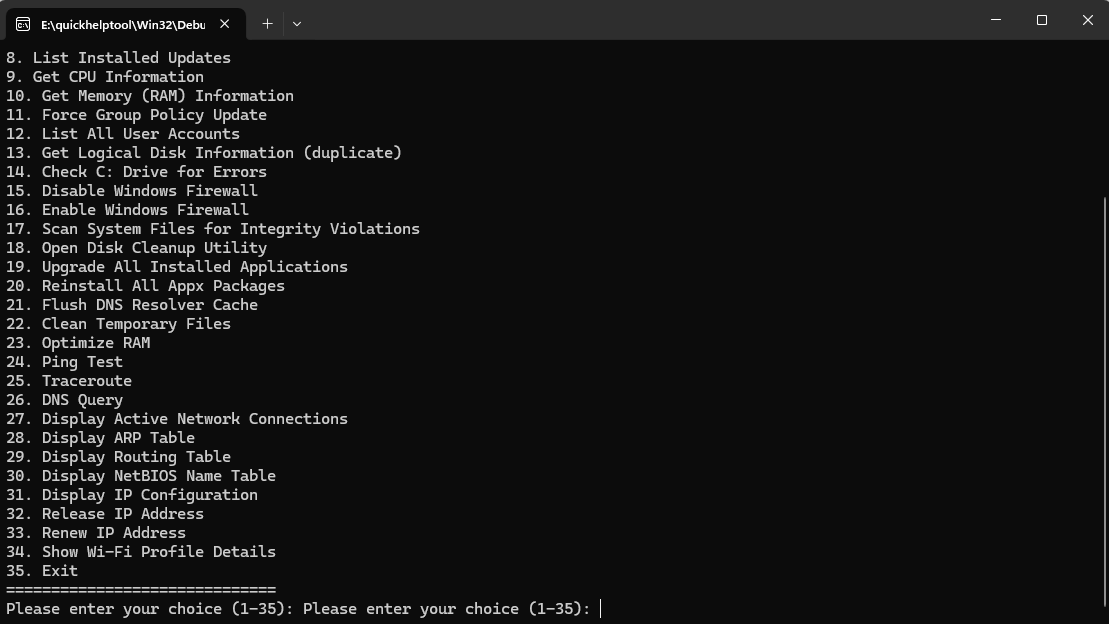
Tool combined 35 different commands into one program for IT professionals
Hello,
I have combined 35 different commands into a single .pas file to simplify the daily tasks of IT professionals. With this, you can quickly perform the operation you want by simply entering its number. Performing basic tasks such as Windows management, system maintenance, and network configuration is now much easier. Whether you want to view hardware information, adjust network settings, or even perform system maintenance tasks like firewall management and RAM optimization, you can do it all with just a few clicks.
This PAS file will become an indispensable tool for IT professionals, speeding up and simplifying management on Windows operating systems. Moreover, to execute any command, all you need to do is enter the corresponding number.
Command Menu
==============================
Get BIOS Serial Number
Get IPv4 Address
Check Windows License Expiration and Product Key
Get System Information
Show Windows Version
Get OS Installation Date
Get Logical Disk Information
List Installed Updates
Get CPU Information
Get Memory (RAM) Information
Force Group Policy Update
List All User Accounts
Get Logical Disk Information (duplicate)
Check C: Drive for Errors
Disable Windows Firewall
Enable Windows Firewall
Scan System Files for Integrity Violations
Open Disk Cleanup Utility
Upgrade All Installed Applications
Reinstall All Appx Packages
Flush DNS Resolver Cache
Clean Temporary Files
Optimize RAM
Ping Test
Traceroute
DNS Query
Display Active Network Connections
Display ARP Table
Display Routing Table
Display NetBIOS Name Table
Display IP Configuration
Release IP Address
Renew IP Address
Show Wi-Fi Profile Details
Exit ==============================
Please enter your choice (1-35):
Download Project Here: https://github.com/delphifanforum/QuickHelpTool