
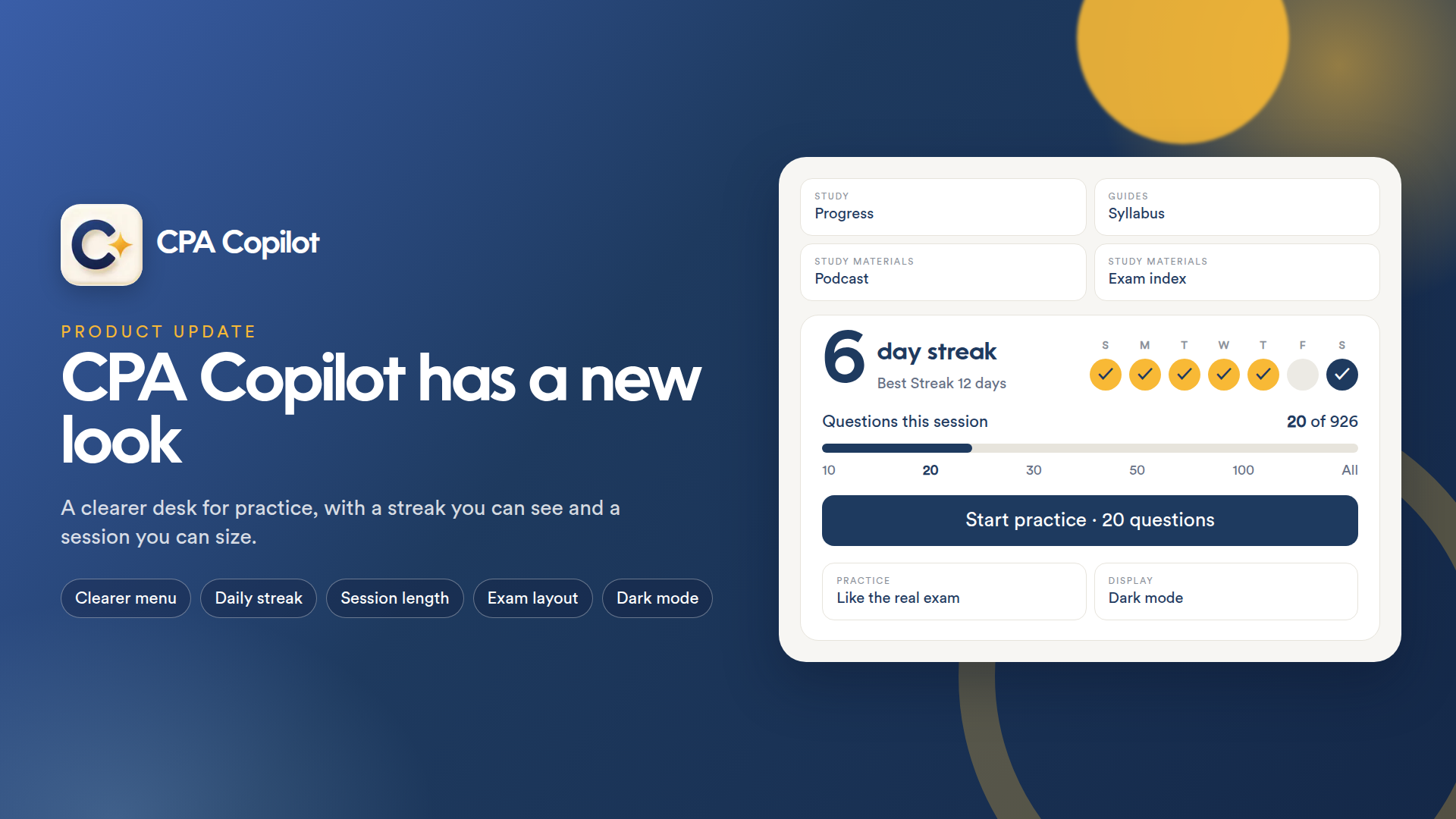
CPA Copilot has a new look
Platform update · 26 September 2026
We've rearranged the study desk. Practice, guides and your study materials are easier to find, and a few tools that used to be buried now sit where you need them. Your progress, notes and past sessions are all still here.
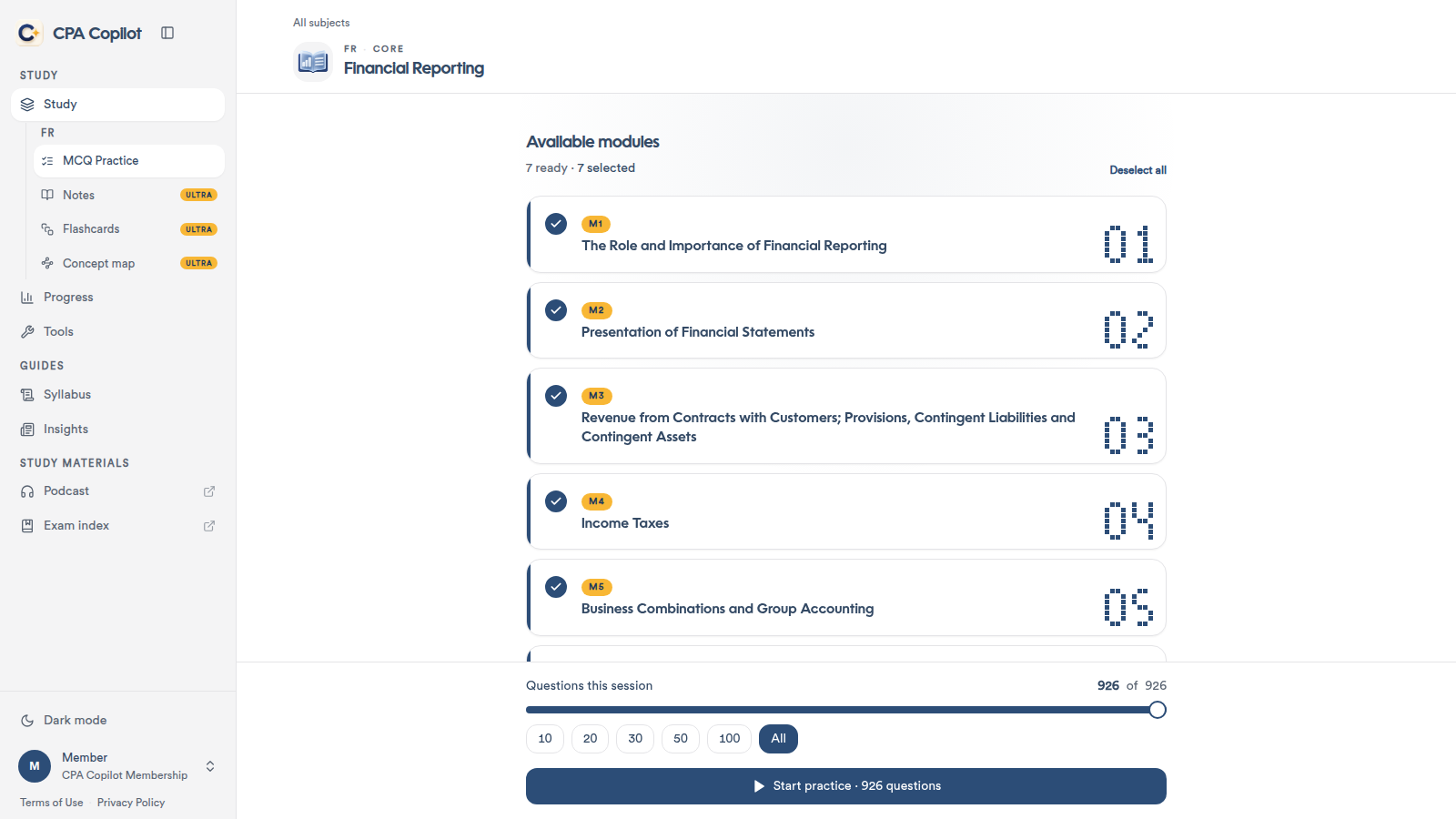
A clearer menu
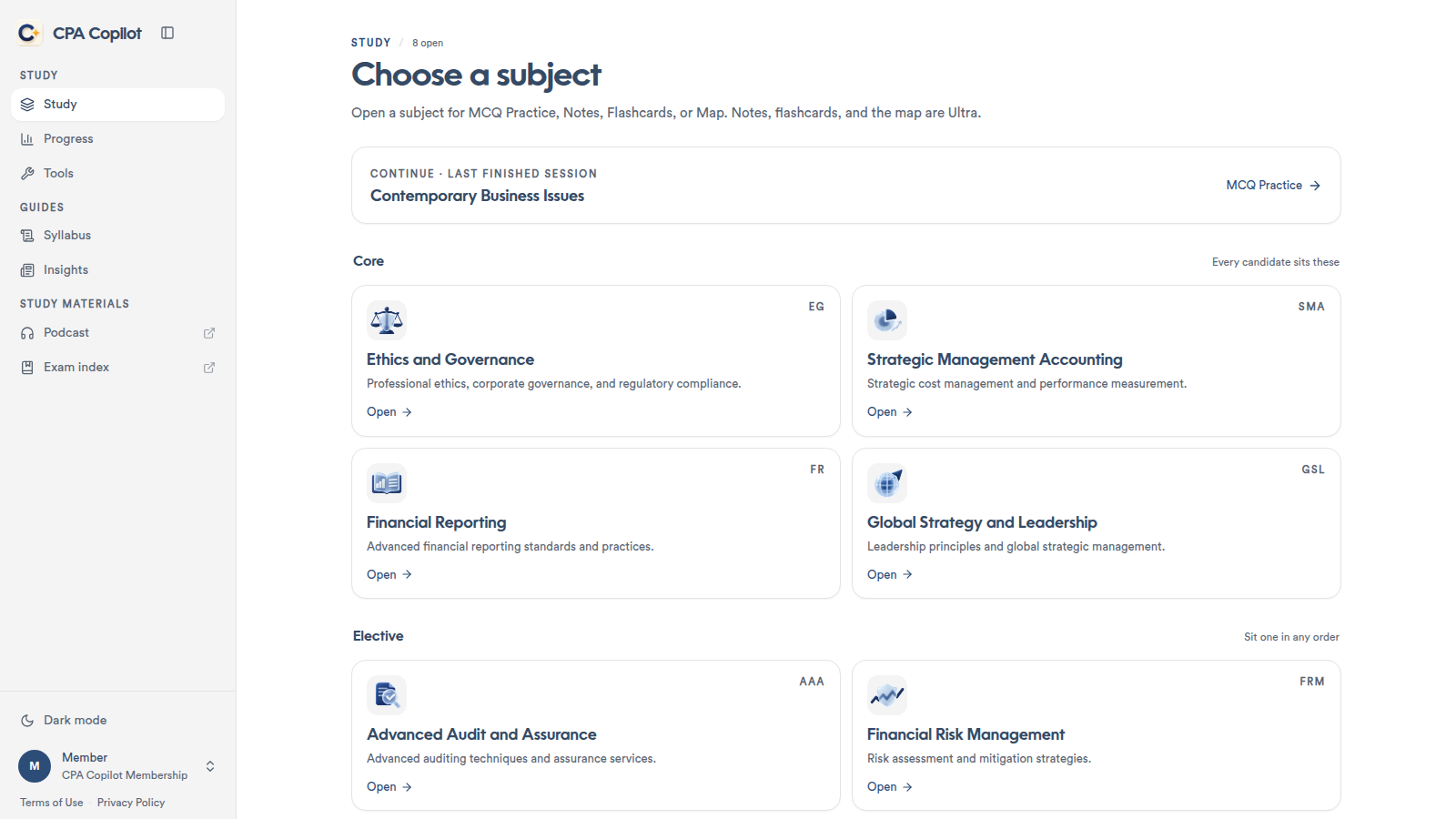
The menu is now grouped so it's quicker to scan:
Study: open a subject, check your progress and use the calculators.
Guides: Syllabus and Insights.
Study materials: Podcast and the exam index.
A reason to come back tomorrow
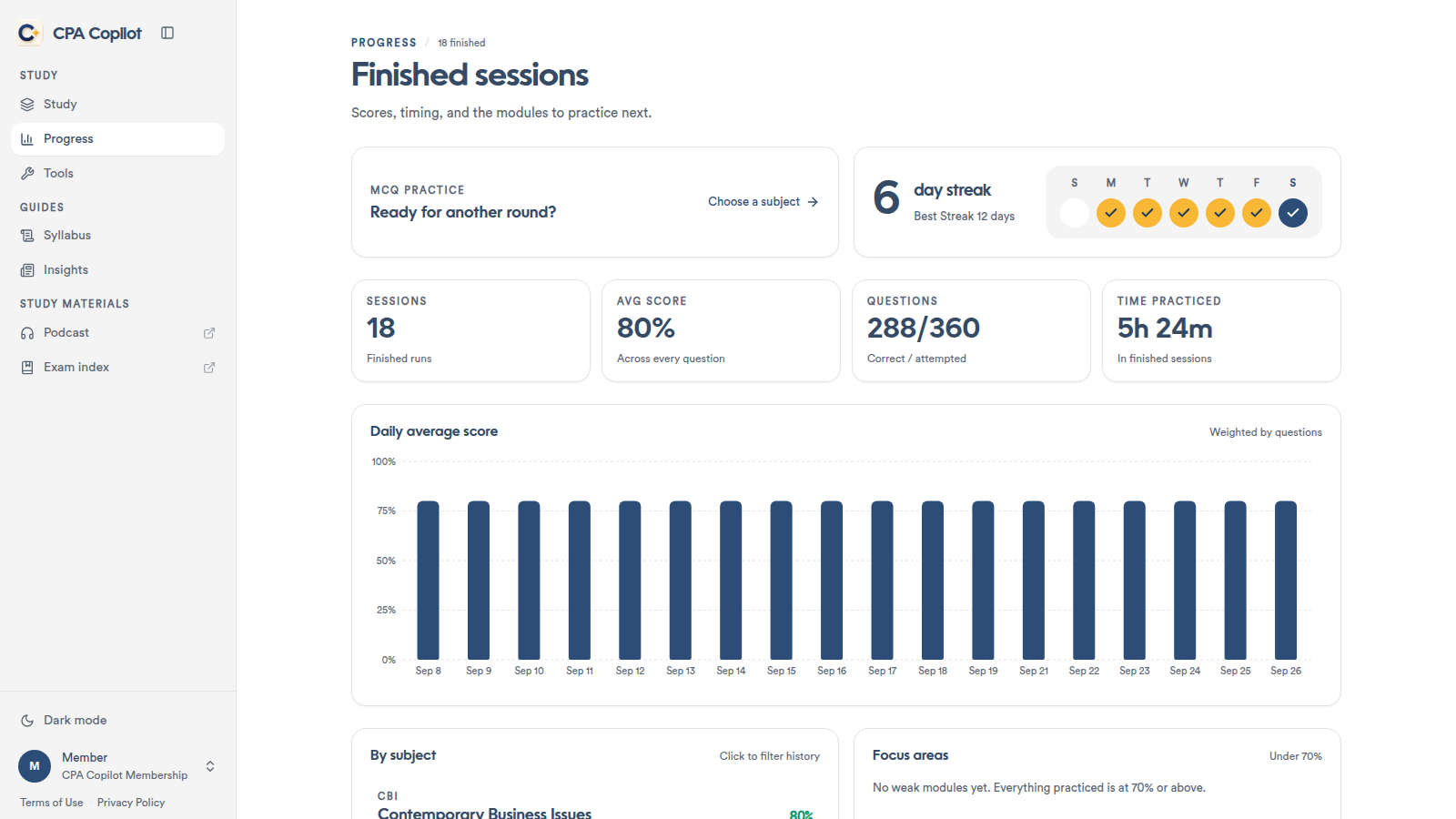
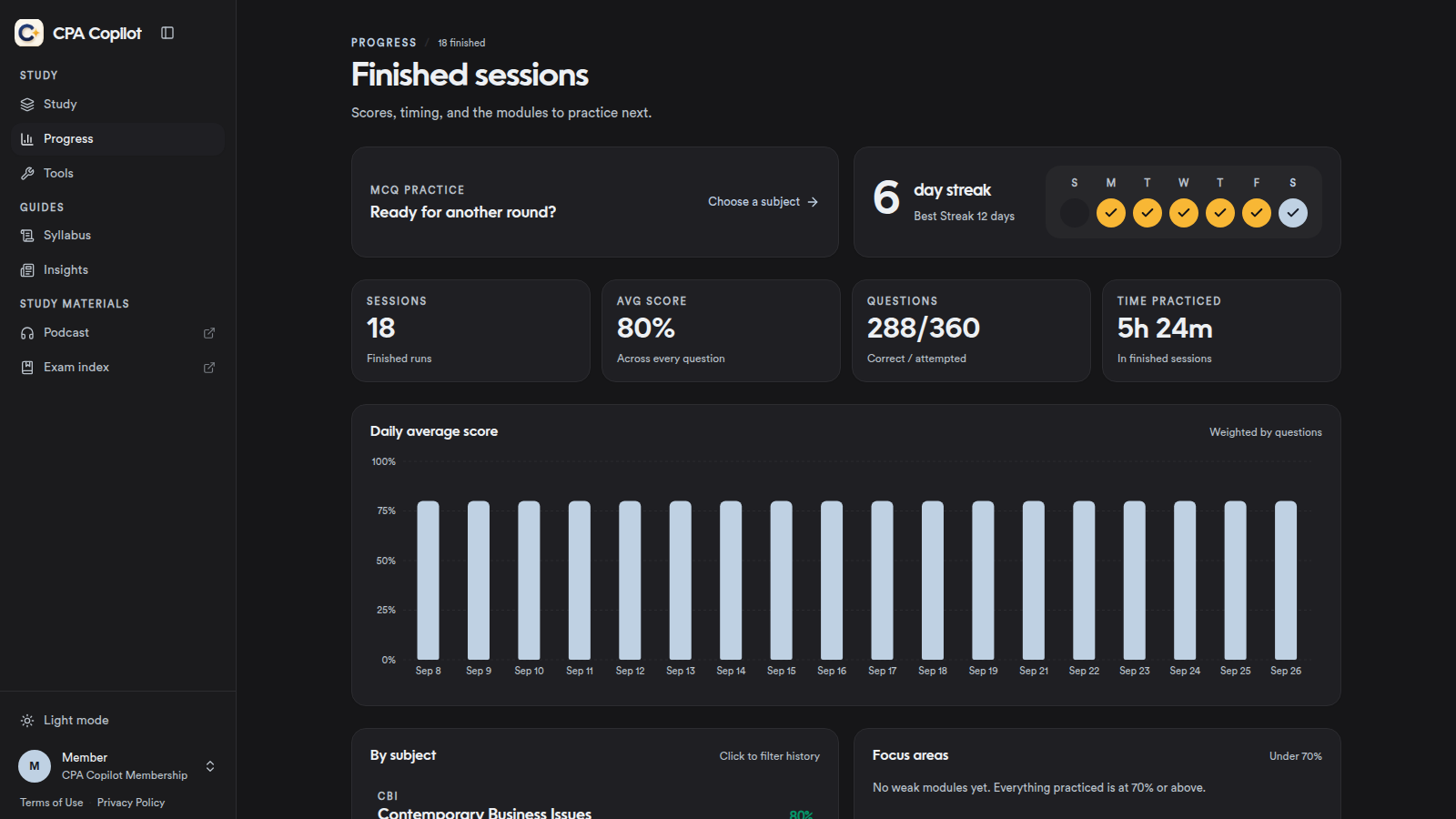
Progress now shows a daily streak. Finish one MCQ session and that day counts. The streak card shows your current run, your best run and your last seven days.
You choose the length of a session
You can now set the number of questions in a session. Drag the slider, or pick 10, 20, 30, 50, 100 or All from the modules you've selected.
Practice in the computer-exam layout
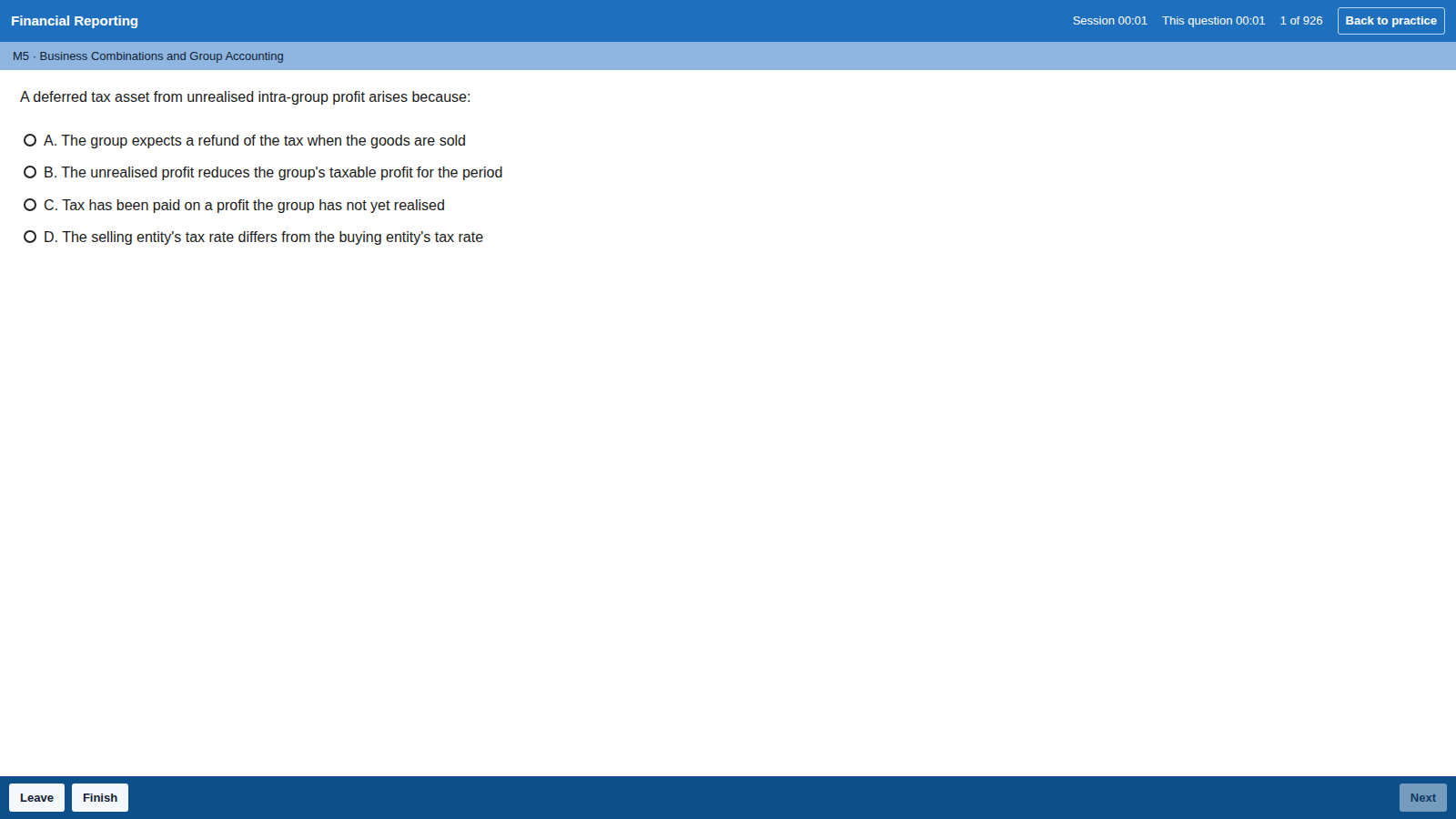
During a practice session, select Like the real exam to switch to a layout modelled on the computer-based exam. Your answers, the timer and your place in the session carry over. Select Back to practice to return to the usual view. Each new session starts in the standard layout.
Dark mode
Dark mode now works across the whole platform. Turn it on at the bottom of the sidebar.
Smaller improvements
We've also polished the parts you use every day. Pages load more smoothly, notes are easier to read on wide screens, and the study tools are grouped more logically.
Try it today
Open CPA Copilot and start a short session. Finish one today and your streak begins.