

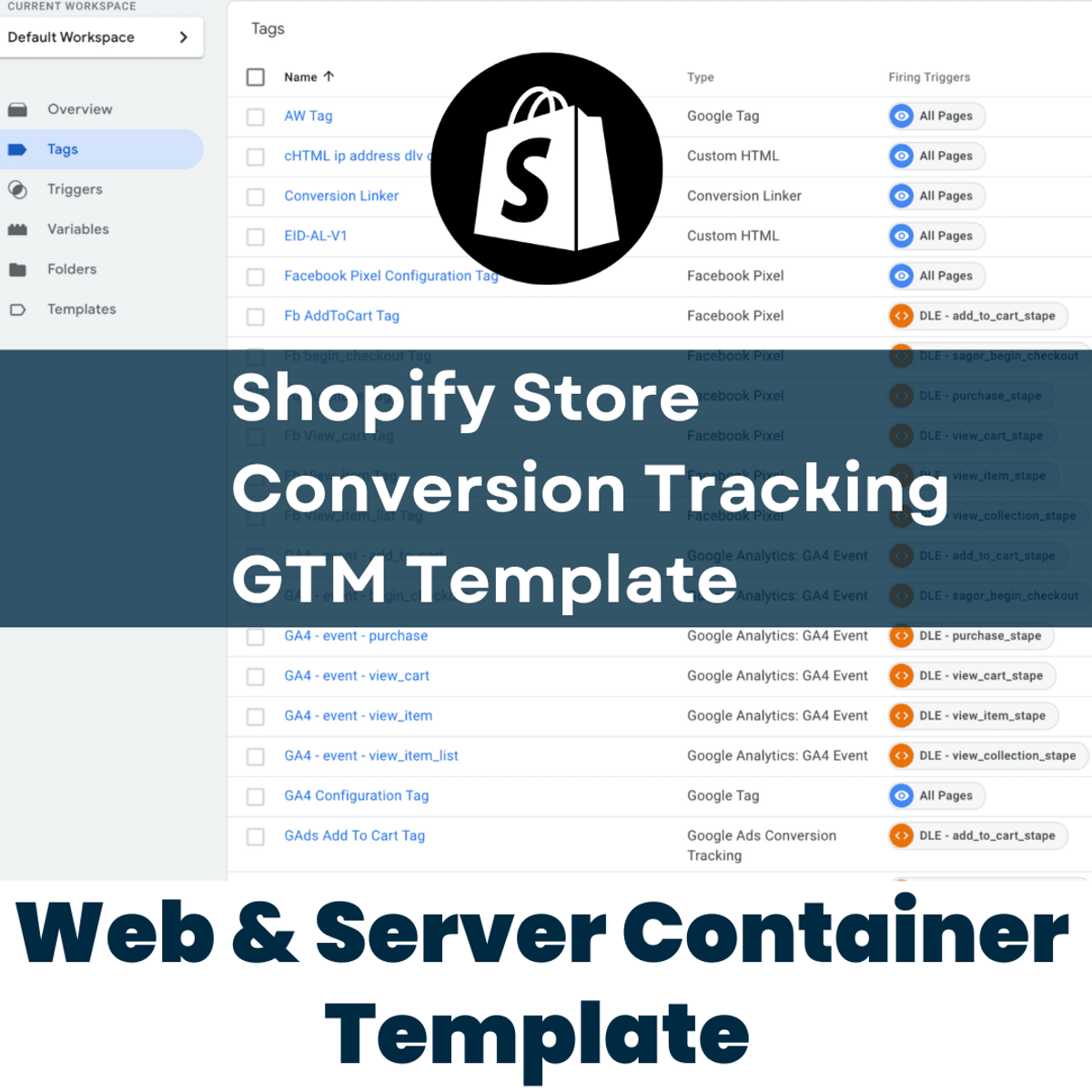
Shopify Store Conversion Tracking Web & Server GTM Template
$50
2 la gente l'ha comprato
Setup Conversion Tracking For Google ads+GA4+Facebook conversion api using this GTM template
Using this template you can setup conversion tracking for -
Google ads
Google analytics 4
Facebook Pixel Conversion API
Steps -
- Download both web & server json file
- Install stape server app on shopify and enable the datalayer for GTM
- Import the web json file into your web container
Change -
- Google ads conversion id
- Google ads conversion level
- Facebook pixel id
- Server container URL
- GA4 Measurement id
- SS GA4 Measurement id
-----------------------------
- Setup the custom subdomain under stape.io account
- Use Power Ups+Custom loader
- Add GTM code+Container identityfire into stape app on shopify
- Import the Server GTM json file into your server container
Change -
- Google ads conversion id
- Google ads conversion level
- Facebook pixel id
- Facebook event test code
- Facebook API Access token
- Server container URL
If you have any query then contact me -
Whatsapp - +8801728380200
✅https://wa.me/message/CZRINYTCQSAGN1
Email - [email protected]
I will provide you live solution via zoom if you have any issue installing my template.
$50
2 la gente l'ha comprato
Inserisci un prezzo equo
$
$50