

Recently, I've been listening to an audiobook called Atomic Habits by James Clear. It is full of interesting information about how habits form, how we can use basic strategies to grow good habits and break bad habits successfully. Throughout the book, James Clear introduces various tools that can help identify and manage habits, including a habit tracker, and a habit contract. The second he mentioned "habit tracker", my brain immediately went to "I could build that!" and "I could totally do this with Obsidian.".
A habit tracker is a way to track all of your daily habits. The habits you track are completely up to you and can include both good or bad habits. A habit tracker can be as simple as crossing out days on a calendar, or using a jar of paperclips, transferring a paperclip from the "full" jar to the "empty" jar each time a habit is completed. For me, I knew I wanted to capture my habits using an app or service I'm already using, making it as convenient as possible.
So I let the idea sit with me for a day or so and then I decided to go for it, and build a simple habit tracker plugin for Obsidian. I wanted something that was basic yet interactive enough to provide a sense of accomplishment when completing good habits and a little accountability when not following through on a habit. I also wanted it to feel as integrated with Obsidian as possible so that it just works and doesn't get in your way.
All of this is a long way to say, I've built a habit tracker for Obsidian and I'm calling it... dun dun dun, Obsidian Habit Tracker.
Obsidian Habit Tracker v0.1.0
A powerful habit tracking plugin for Obsidian that helps you build and maintain daily habits with streaks, progress tracking, and an intuitive interface. All your habit data is stored as markdown notes in your vault for maximum transparency and portability.
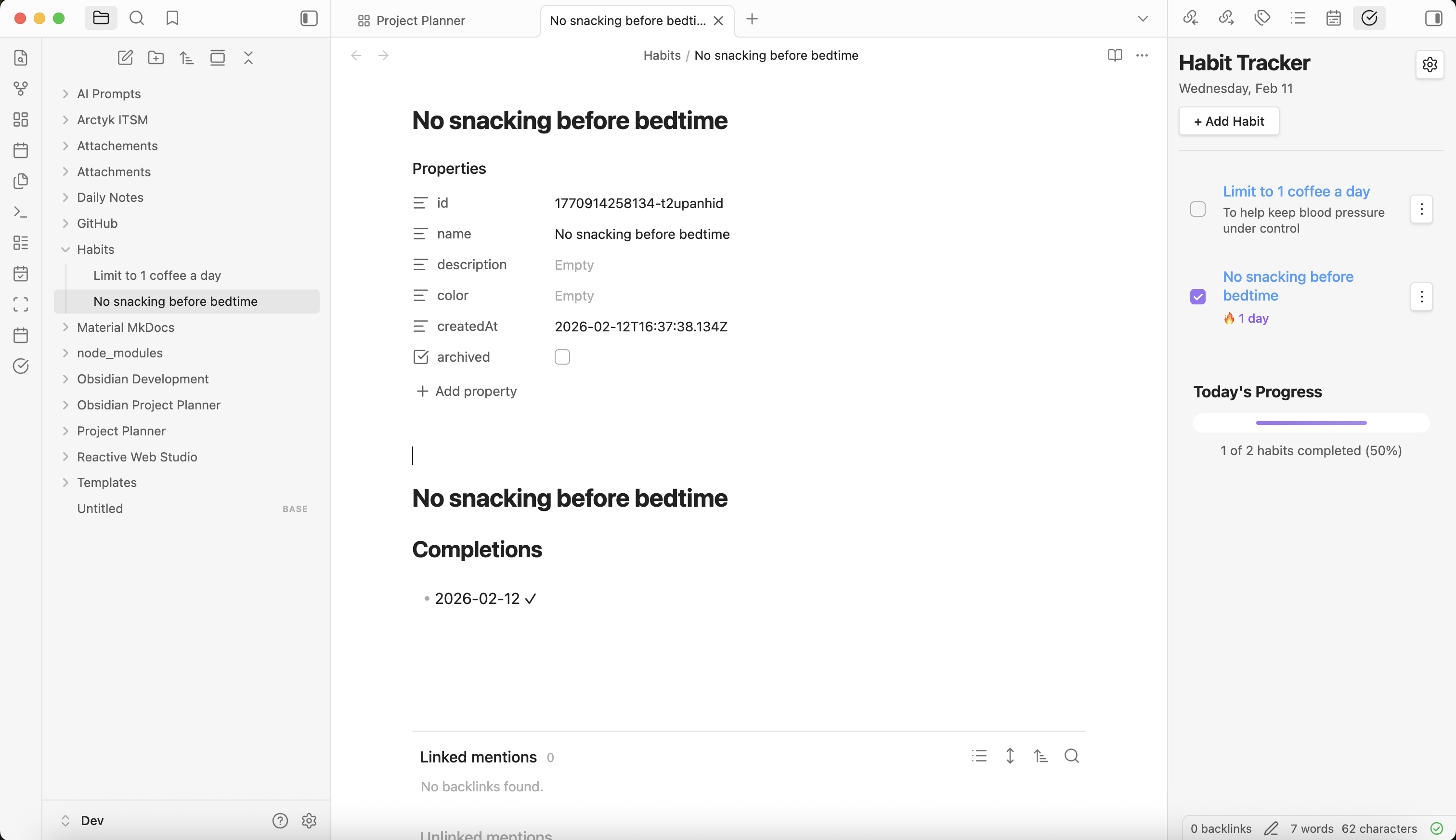
Editing a habit
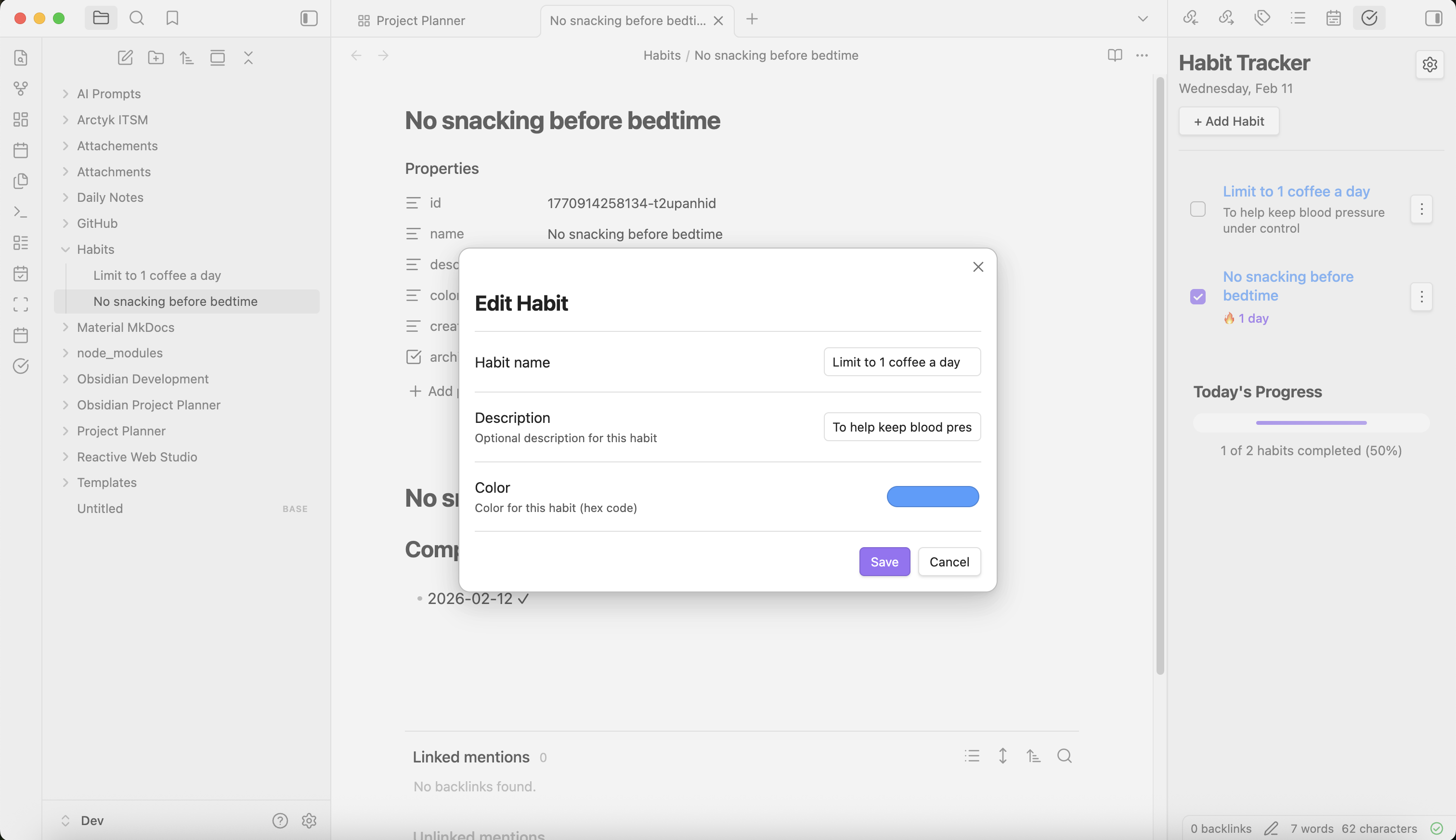
Habit history
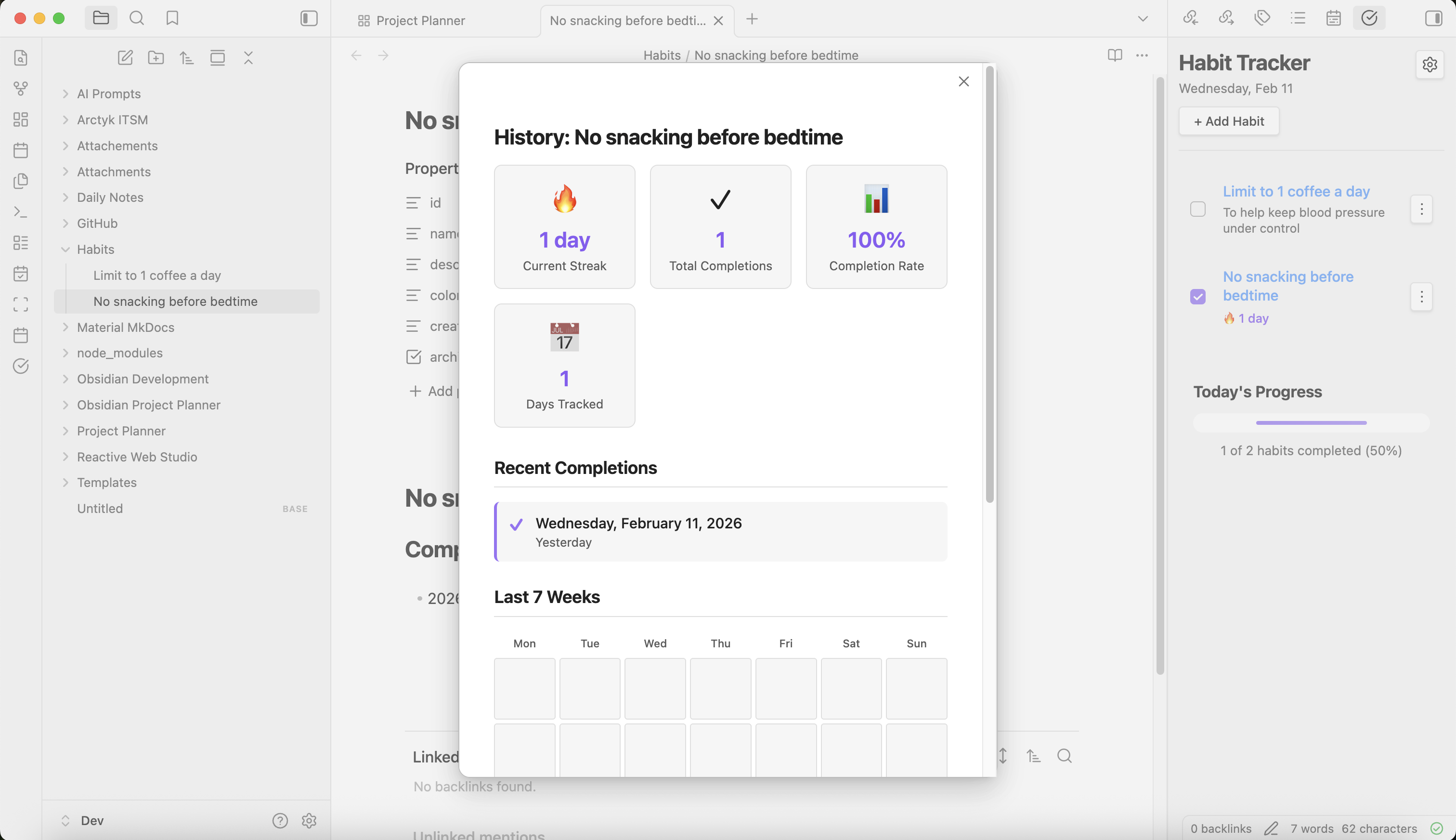
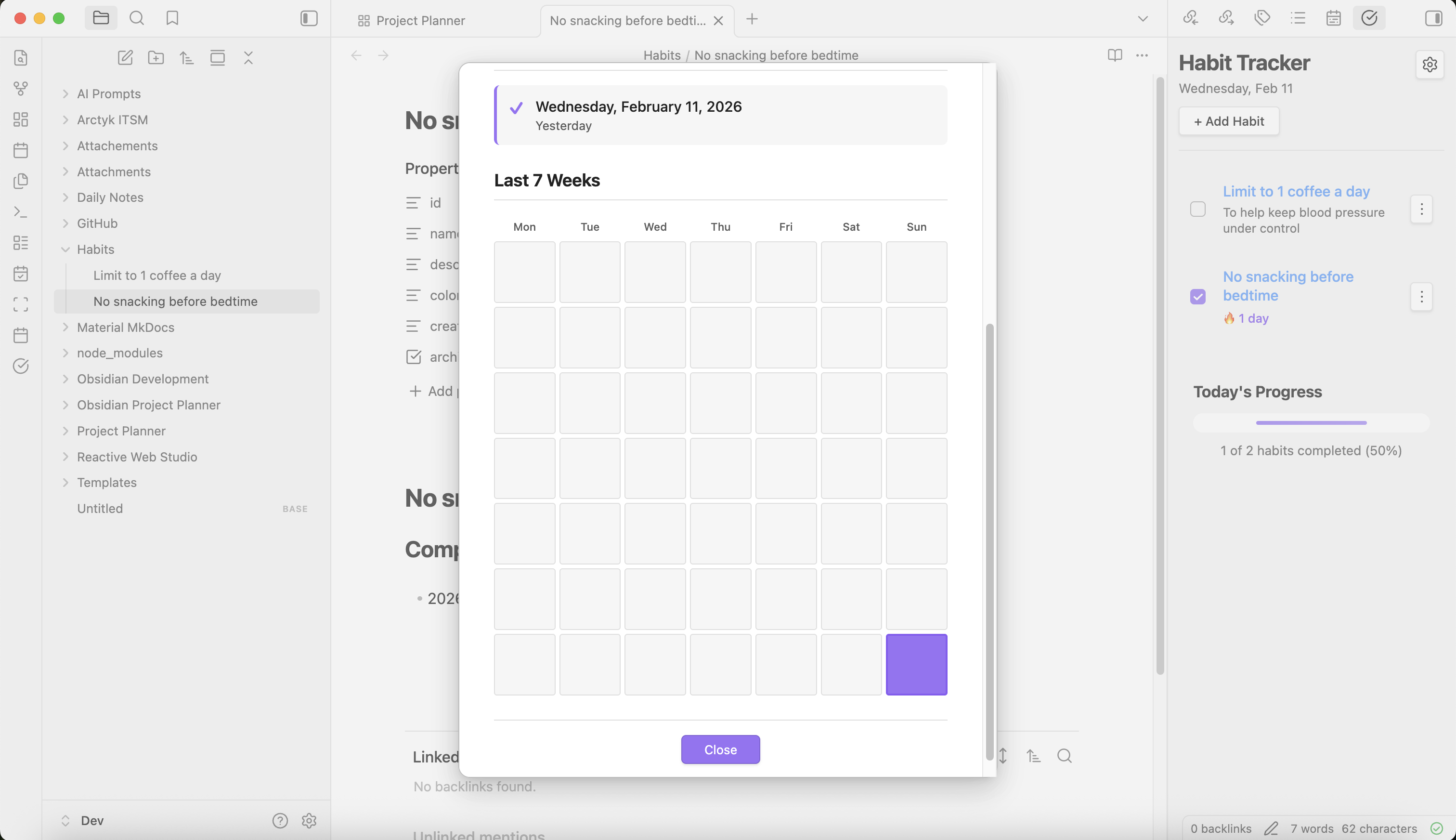
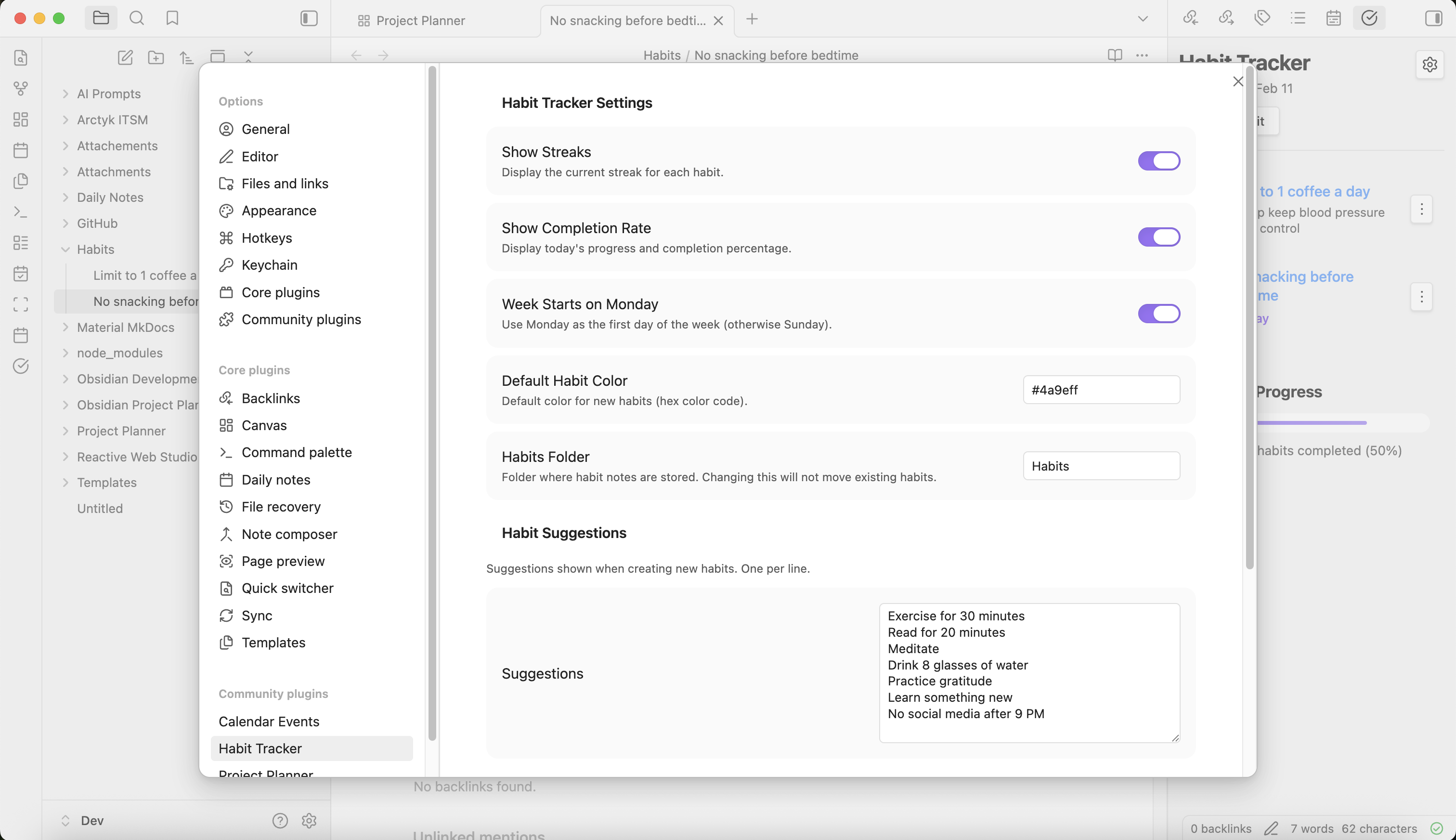
Plugin settings
How to Install
Install Habit Tracker manually
Download the latest release from the Habit Tracker GitHub repository
Download
main.js,manifest.json, andstyles.cssfrom the latest releaseNavigate to your Obsidian vault's plugins folder:
Open Obsidian and go to Settings → General → About
Click the folder icon next to "Vault location" to open your vault folder
Navigate to
.obsidian/plugins/(create thepluginsfolder if it doesn't exist)Create a new folder named
obsidian-habit-trackerinside the plugins directoryCopy the downloaded files (
main.js,manifest.json, andstyles.css) into theobsidian-habit-trackerfolderRestart Obsidian or reload the app (Ctrl/Cmd + R)
Enable the plugin:
Go to Settings → Community plugins
Find "Habit Tracker" in the list
Toggle it on
Install Habit Tracker using Obsidian BRAT community plugin
BRAT (Beta Reviewers Auto-update Tester) is a community plugin that allows you to install and test beta plugins directly from GitHub repositories.
Install the BRAT plugin (if not already installed):
Go to Settings → Community plugins → Browse
Search for "BRAT"
Click Install, then Enable
Add Habit Tracker to BRAT:
Go to Settings → BRAT
Click Add Beta plugin
Enter the repository URL:
ArctykDev/obsidian-habit-trackerClick Add Plugin
Enable Habit Tracker:
BRAT will automatically download and install the plugin
Go to Settings → Community plugins
Find "Habit Tracker" in the list
Toggle it on
View on GitHub: https://github.com/ArctykDev/obsidian-habit-tracker
News & Updates: https://projectplanner.md
Documentation coming soon.