
If you read forums or comments under videos about Ryzen and DDR5 memory, the same debate comes up again and again.
Some people say DDR5-6000 is the sweet spot and anything higher makes no sense. Others argue that DDR5-6400 or even higher is “obviously better” because the number is bigger.
In reality, things are not that simple.
This article is not about marketing slides or box specs. It’s about real-world DDR5 behaviour on Ryzen systems — with manual tuning, real timings, long stability testing, and the kind of compromises you actually face when building a PC that is meant to work every day.
Why memory behaviour matters more than raw frequency on Ryzen: on the AM5 platform, memory frequency alone does not tell the full story. What really matters is how the memory controller runs.
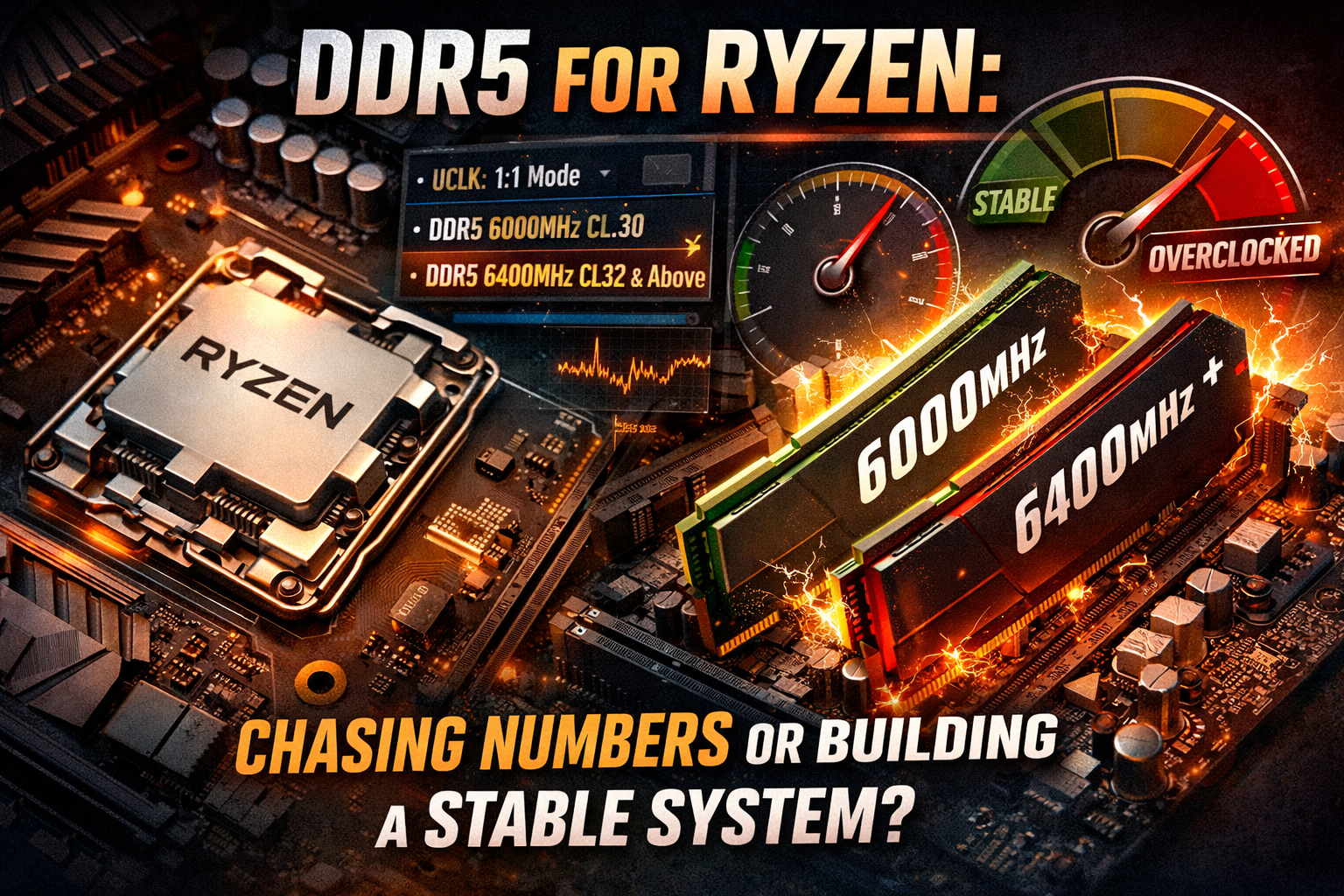
When the memory clock (MEMCLK) and the memory controller clock (UCLK) run in sync, in a 1:1 mode, Ryzen systems benefit from lower latency, smoother frametimes and more predictable behaviour. That’s exactly why DDR5-6000 quickly became known as the “sweet spot” — not because higher frequencies are impossible, but because this is where everything usually works without a lottery. DDR5-6000 is not a limitation. It’s a balance point.
Most Ryzen CPUs can run it in 1:1 without drama, memory training is stable, EXPO profiles usually work, and you still have plenty of room for manual tuning. In real systems, DDR5-6000 CL30 with properly tuned secondary and tertiary timings — and sometimes even CL28 — often delivers excellent gaming performance with zero WHEA errors and full long-term stability. In practice, it often feels better than higher frequencies left on auto.
What about DDR5-6400 and higher?
This is where expectations usually rise — and where reality starts to split into different scenarios. Yes, there are real, documented cases of people running DDR5-6400 on Ryzen in 1:1 mode, fully stable. You can find them on enthusiast forums. Typically, those systems combine a strong memory controller, good motherboards, updated BIOS versions and high-quality memory — usually with manual voltage and timing tuning. In those cases, DDR5-6400 can indeed be faster than DDR5-6000.
But it’s important to be honest: this is overclocking, not default behaviour.
More often than not, the system drops into 2:1 mode, latency increases, and the advantage of the higher frequency starts to disappear. In games, this often shows up in worse 1% lows or less consistent frametimes. Sometimes a system boots, passes benchmarks, but develops rare WHEA errors or instability during long gaming sessions or mixed workloads.
So yes — frequencies above 6000 and even 6400 are possible on Ryzen. But they always require evaluating the trade-off between performance and stability.
A-die vs B-die: something real users care about: another detail that people who actually tune memory will immediately notice is the type of memory chips. Most high-performance DDR5 kits for Ryzen use Hynix A-die or Hynix B-die, and they behave differently. A-die usually scales very well with frequency and is often easier to run at higher speeds like 6000–6400. B-die, on the other hand, often responds better to tighter timings and can deliver very low latency at the same frequency — but it usually requires more careful tuning.
That’s why there is no single “best” option. The result depends on your goals, your CPU’s memory controller, and how much time you are willing to spend tuning and testing.
CAS latency without the drama: CAS latency numbers often cause emotional reactions, but the real difference is much smaller than many expect. At DDR5-6000, the numbers look like this:
CL Real CAS latency:
CL28 ~ 9.33 ns
CL30 ~10.00 ns
CL32 ~10.66 ns
The difference between CL28 and CL30 is around 0.67 ns. Between CL30 and CL32, another 0.66 ns.
Yes, it exists. No, it does not magically transform your system on its own.
In practice, secondary and tertiary timings — and whether the system runs in 1:1 — have a much bigger impact. That’s why a well-tuned DDR5-6000 CL30 setup often outperforms a DDR5-6400 CL32 kit running on automatic settings.
Games, work and real-world usage: In CPU-limited games and esports titles, latency and stable frametimes matter more than headline frequency numbers. That’s where DDR5-6000 in 1:1 often shines.
At 1440p and 4K, the GPU usually becomes the bottleneck, and memory frequency differences matter far less.
In workloads like rendering, video editing or encoding, memory is rarely the limiting factor at all — differences between 6000, 6400 or higher usually fall within the margin of error.
The real conclusion: there is no single “correct” DDR5 frequency for Ryzen. DDR5-6000 is a stable, predictable and very scalable foundation.
DDR5-6400 and higher are absolutely possible, but they live in enthusiast territory, where results depend on silicon quality, memory chips and careful manual tuning.
That’s exactly why every PC built by AnderMaxPC is treated differently. Memory is never left “as it boots”. Secondary and tertiary timings are manually tuned, and every system is tested for long-term stability under real workloads. The goal is not chasing the tightest possible numbers for screenshots, but finding stable settings that work reliably in all real-world usage scenarios — gaming, work and everyday use.
Because in real life, stability always beats impressive numbers in BIOS.
Follow this link, complete the competition conditions, and you'll have a real chance to win a set of DDR5 memory from Corsair: https://www.facebook.com/share/r/17bwZkdAdy/