

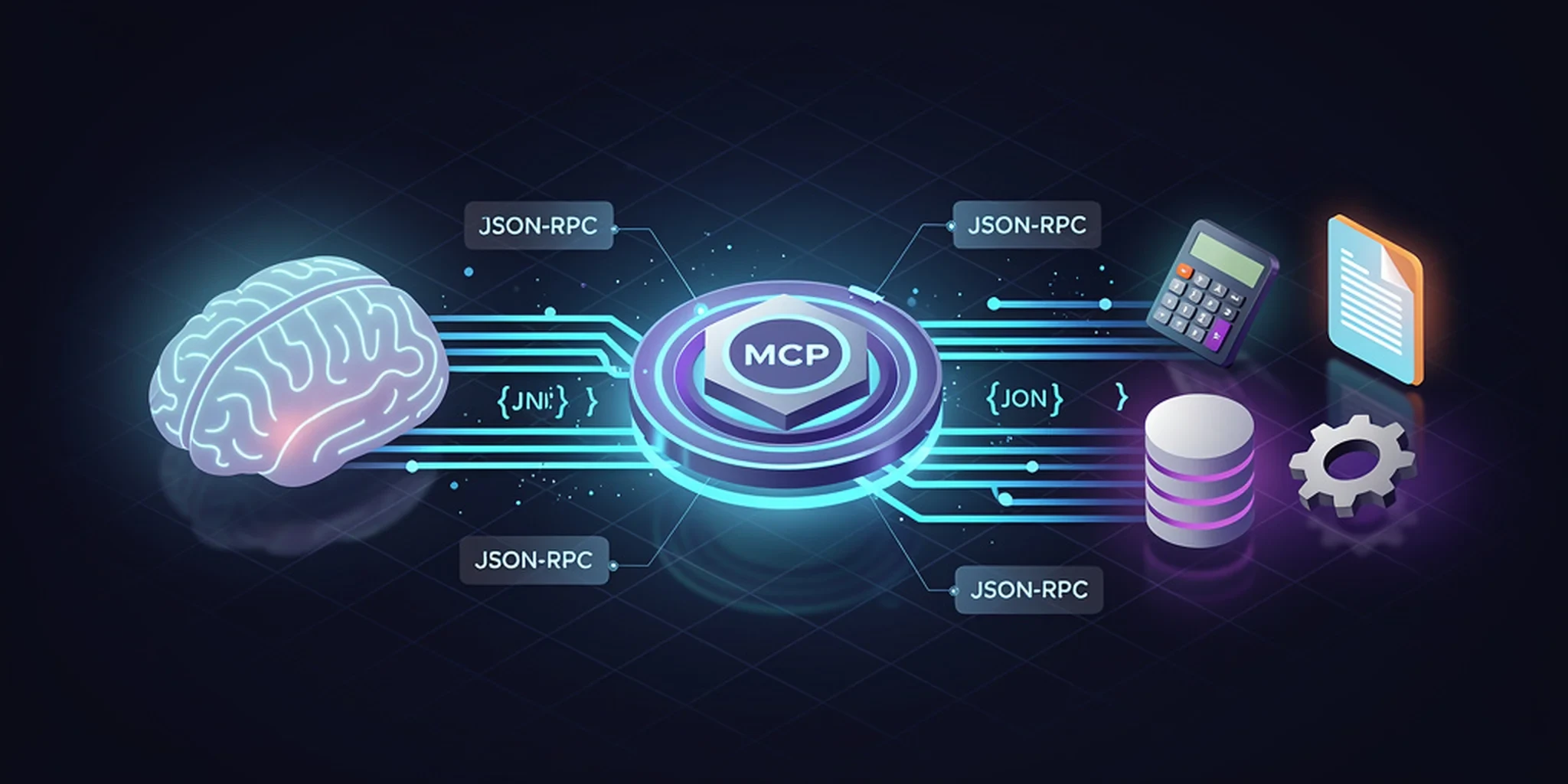
If you’ve used an AI coding assistant in the last year, you’ve probably seen it reach for a tool. Maybe it read a file, ran a shell command, or searched the web. What you might not have noticed is how it did that. Behind the scenes, there’s a protocol that lets the AI model discover and call functions exposed by your editor, your terminal, or some random Python script you wrote last week. That protocol is called the Model Context Protocol, or MCP, and it’s quietly becoming the standard way AI agents talk to the outside world.
This post explains what MCP is, why it exists, and walks through a small working example: an MCP server in Python that exposes a couple of simple tools. By the end, you’ll have a server you can actually run.
The Problem MCP Solves
Here’s the thing about large language models: they’re powerful, but they’re also sealed boxes. A model can generate text, but it can’t read your files, query your database, or call your company’s internal API. Every AI tool that wants to give the model “hands” has to build its own integration layer. Want file access in Claude Desktop? Build it. Want the same in Cursor? Build it again. Want it in your own agent? Build it a third time.
This is the classic N×M problem. N AI applications, M tools, and N×M integrations to build and maintain. MCP collapses that to N+M: each tool exposes itself once via an MCP server, and each AI application speaks MCP once as a client. The protocol sits in the middle.
Without MCP:                    With MCP:

  App A ──► Tool 1              App A ──┐
  App A ──► Tool 2                      │
  App A ──► Tool 3              App B ──┤──► MCP  ──► Server 1 (Tool 1)
  App B ──► Tool 1                      │         ──► Server 2 (Tool 2)
  App B ──► Tool 2              App C ──┘         ──► Server 3 (Tool 3)
  App B ──► Tool 3
  ... (N × M integrations)        (N + M integrations)
The Three Roles
MCP defines three roles in every interaction:
Host: the AI application the user interacts with. Claude Desktop, Cursor, VS Code with Copilot, or your own agent. The host owns the conversation with the model.
Client: the piece inside the host that speaks MCP. One host can manage many clients, one per server it connects to.
Server: a lightweight program that exposes capabilities: tools the model can call, resources it can read, and prompts it can use.
The model never talks to a server directly. The flow is: the model decides it wants to call a tool → the host’s client sends the request to the server → the server executes it and returns the result → the client passes the result back to the model. The model sees tools as function signatures with descriptions, just like the function-calling APIs you might already know from OpenAI or Anthropic.
What a Server Can Expose
MCP servers can provide three kinds of capabilities:
Tools: functions the model can call with arguments. “Read this file.” “Search the database.” “Send this email.” Tools are the most common and the most powerful.
Resources: read-only data the model can access, like files, database rows, or API responses. Resources are addressed by URI, so the model can say “give me
file:///home/andrew/notes.md.”Prompts: reusable prompt templates the server provides. Think of them as pre-written instructions the host can offer to the user, like “Summarize this codebase” or “Review this pull request.”
For most use cases, tools are where the action is. That’s what we’ll build.
A Working Example
Let’s build a small MCP server in Python. It will expose two tools: a calculator that evaluates arithmetic expressions, and a text utility that counts words in a string. Nothing fancy, but enough to see the whole pattern.
First, install the SDK:
pip install mcp
Now the server. Save this as server.py:
from mcp.server.mcpserver import MCPServer

# Create the server. The name shows up in the host's UI.
mcp = MCPServer("demo-tools")


@mcp.tool()
def calculate(expression: str) -> str:
    """Evaluate a mathematical expression and return the result.

    Args:
        expression: A math expression like "2 + 3 * 4" or "sqrt(16)".
    """
    import math

    # Only allow math functions and basic operators. Never use eval() on
    # untrusted input in real code. This is a demo.
    allowed = {"sqrt": math.sqrt, "pow": math.pow, "abs": abs,
               "round": round, "min": min, "max": max}
    try:
        result = eval(expression, {"__builtins__": {}}, allowed)
        return str(result)
    except Exception as e:
        return f"Error: {e}"


@mcp.tool()
def word_count(text: str) -> str:
    """Count the number of words in a piece of text.

    Args:
        text: The text to analyze.
    """
    words = text.split()
    return f"{len(words)} words"


if __name__ == "__main__":
    # stdio transport: the server reads JSON-RPC messages from stdin
    # and writes responses to stdout. This is how most MCP hosts
    # communicate with local servers.
    mcp.run()
That’s the whole server. The @mcp.tool() decorator turns each function into an MCP tool. The docstring becomes the tool’s description. The model reads it to decide when and how to call the function. The type hints (str parameters, str return) become the JSON schema the host uses to validate arguments.
Run it:
python server.py
The server starts and waits on stdin. It won’t print anything useful. It’s speaking JSON-RPC now. To actually use it, you need an MCP host.
Connecting a Host
The easiest way to test is with an MCP client. Here’s a small Python script that connects to our server, lists its tools, and calls one:
import asyncio
from mcp import ClientSession, StdioServerParameters
from mcp.client.stdio import stdio_client


async def main():
    # Tell the client how to launch the server.
    params = StdioServerParameters(
        command="python",
        args=["server.py"],
    )

    async with stdio_client(params) as (read, write):
        async with ClientSession(read, write) as session:
            # Handshake: the client and server agree on protocol version.
            await session.initialize()

            # Discover what tools the server offers.
            tools = await session.list_tools()
            print("Available tools:")
            for tool in tools.tools:
                print(f"  - {tool.name}: {tool.description.splitlines()[0]}")

            # Call the calculator tool.
            result = await session.call_tool(
                "calculate",
                {"expression": "2 + 3 * 4"},
            )
            print(f"\ncalculate('2 + 3 * 4') = {result.content[0].text}")

            # Call the word count tool.
            result = await session.call_tool(
                "word_count",
                {"text": "the quick brown fox jumps over the lazy dog"},
            )
            print(f"word_count(...) = {result.content[0].text}")


asyncio.run(main())
Save this as client.py and run it:
python client.py
You should see:
Available tools:
  - calculate: Evaluate a mathematical expression and return the result.
  - word_count: Count the number of words in a piece of text.

calculate('2 + 3 * 4') = 14
word_count(...) = 9 words
That’s the full loop: the client launches the server, they handshake, the client discovers the tools, and calls them by name with JSON arguments. In a real AI application, the model does the calling. It reads the tool descriptions, decides which tool fits the user’s request, and generates the arguments.
Transports: How Servers and Clients Talk
MCP isn’t tied to one communication method. The protocol defines transports, and the two you’ll encounter most are:
stdio: the server runs as a child process, and messages flow over stdin/stdout. This is what we used above. It’s simple, local, and the default for desktop AI apps. The host spawns the server, talks to it over pipes, and kills it when done.
HTTP with Server-Sent Events (SSE): the server runs as a web service. The client connects over HTTP, and the server pushes messages back over an SSE stream. This is how you’d expose an MCP server to remote clients or share it across a network.
The beauty of the protocol is that the tools, resources, and prompts are the same regardless of transport. You write your server once, and it works whether someone connects via stdio on their laptop or HTTP from across the internet.
Why This Matters
MCP is still young, but it’s already the closest thing we have to a USB standard for AI. Before MCP, every AI tool built its own plugin system. Now there’s a shared language: if you build an MCP server, your tool works in Claude Desktop, Cursor, VS Code, and any agent that speaks MCP. If you build an MCP client, you get access to every MCP server that exists.
I’ve been using MCP in my own agent, Enchanter. It’s how the agent discovers external tools at startup: image generation, web search, whatever you configure. The servers are just child processes that speak JSON-RPC over stdio. If one crashes, the agent warns and moves on. That resilience pattern is one of the things MCP gets right: servers are cheap, disposable, and swappable.
The protocol isn’t perfect. stdio servers can be finicky to debug (you’re reading JSON-RPC messages on a pipe). The security model is still evolving. An MCP server can do anything its tools allow, so you need to trust what you connect to. And the ecosystem is young enough that documentation varies.
But the core idea is sound: a standard protocol for giving AI models access to the world. It’s the kind of boring, well-designed infrastructure that makes everything built on top of it better.
Where to Go From Here
Read the official MCP specification for the full protocol details.
Browse the MCP servers repository for examples of real servers: filesystem access, GitHub integration, database connectors, and more.
Build your own. Start with a tool that wraps an API you use every day. The Python SDK’s
FastMCPclass makes it almost embarrassingly easy.
The best way to understand a protocol is to speak it. Write a server, connect a client, call a tool. It takes about twenty lines of Python and suddenly the whole thing clicks.