
Today, I want to document the journey of our beloved Notepad in a visual form, from the humble beginnings to what it is today.
Thanks to the Internet Archive's Wayback Machine, I was able to get screenshots of the app at different points in time.
If you're a long-time user or have just started using the app, you'll be able to know the journey of this app and how it evolved regardless.
So, buckle up!
The humble beginnings (Around 2017)
Although I published this app in 2016, I failed to get a screenshot of the app from that era. However, it wasn't much different in 2017 as well.
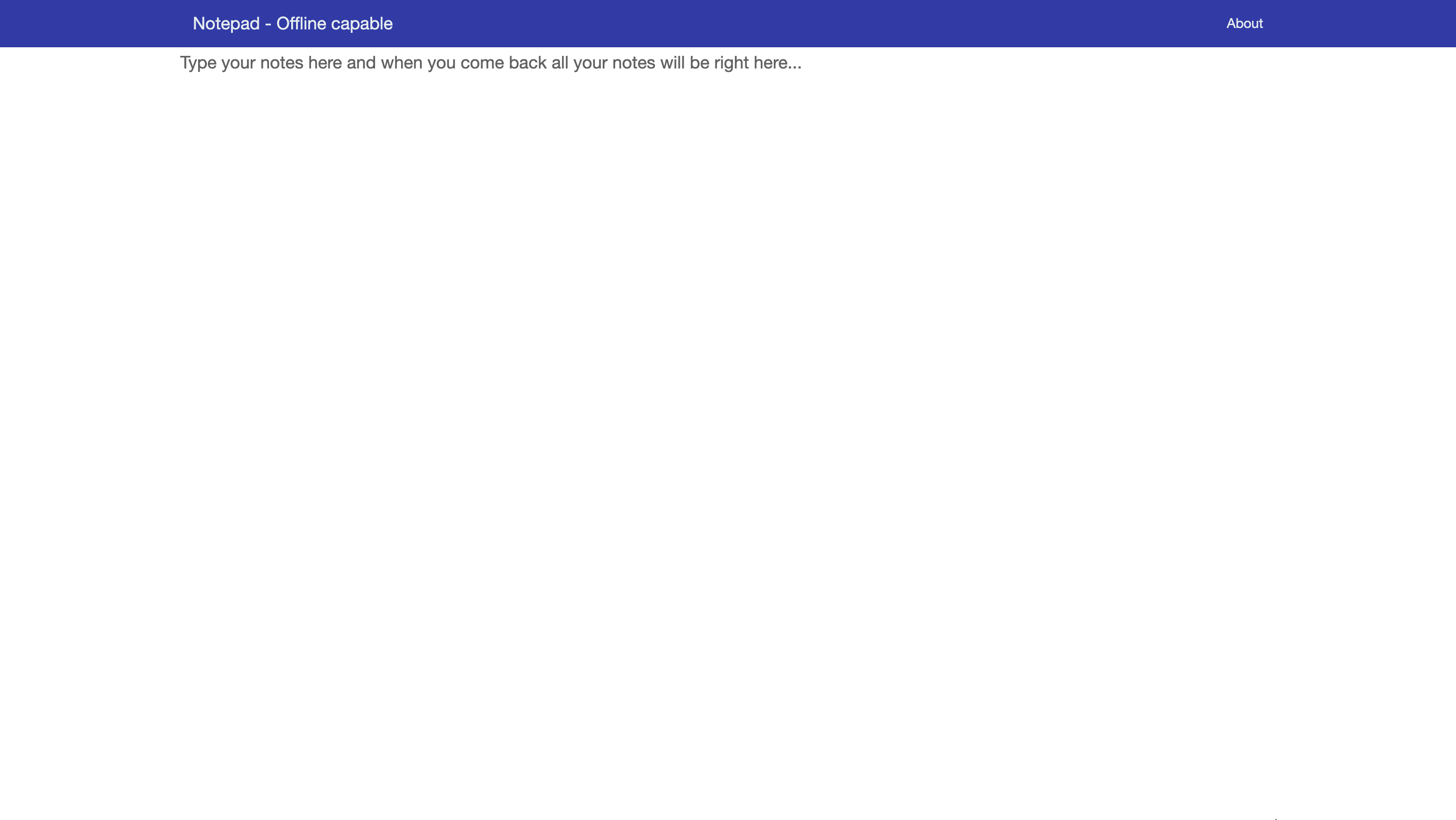
As you can tell, the app was quite bare-bones. You could just write your notes and it would auto-save them, and that's about it. Heck! It didn't even have a dark mode.
After all, it was just a hobby project!
Late 2018
For much of 2018, the app looked the same as it looked in 2017 until later in November 2018, the app got dark mode and an option to clear notes cause why not?
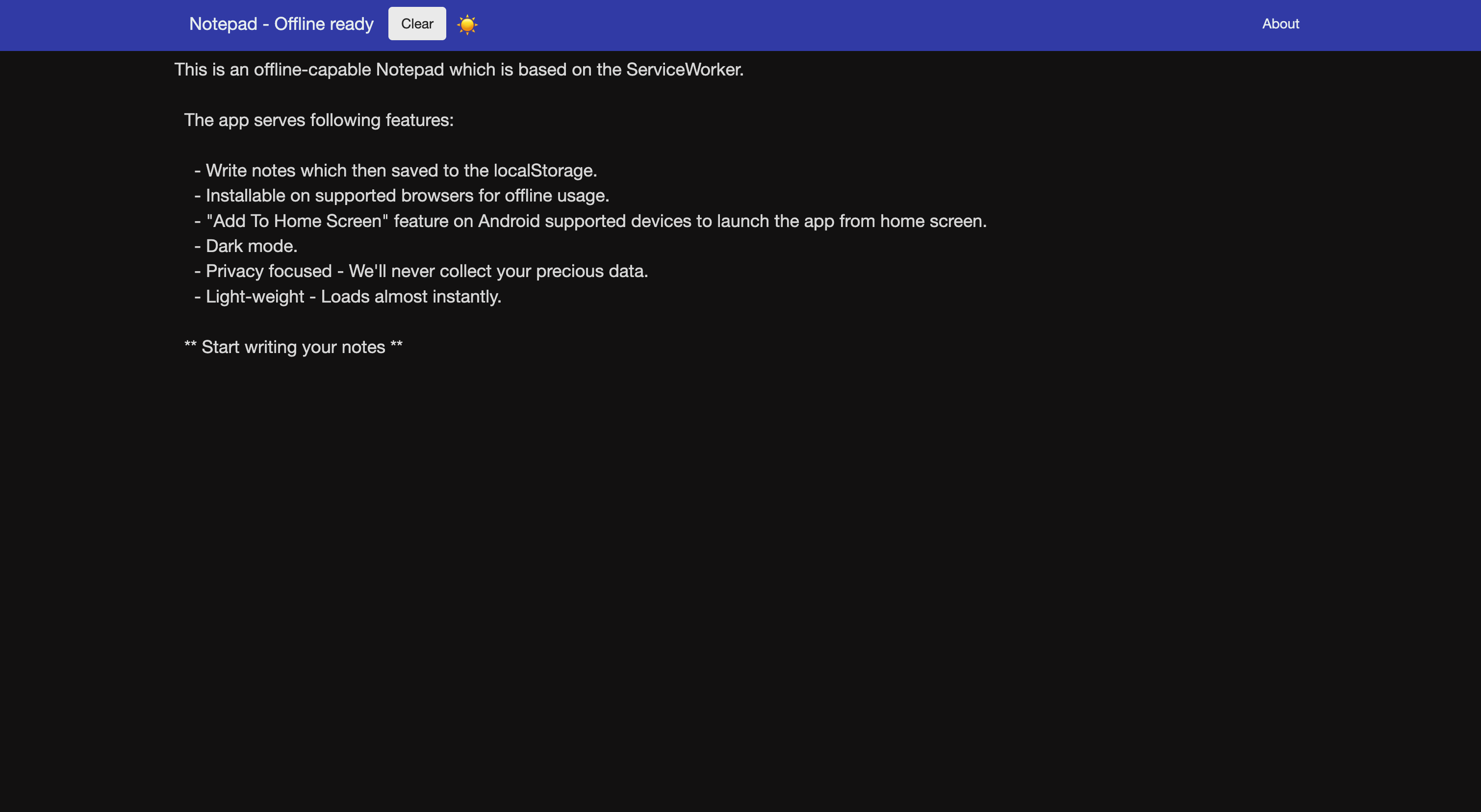 Here's the light mode for comparison.
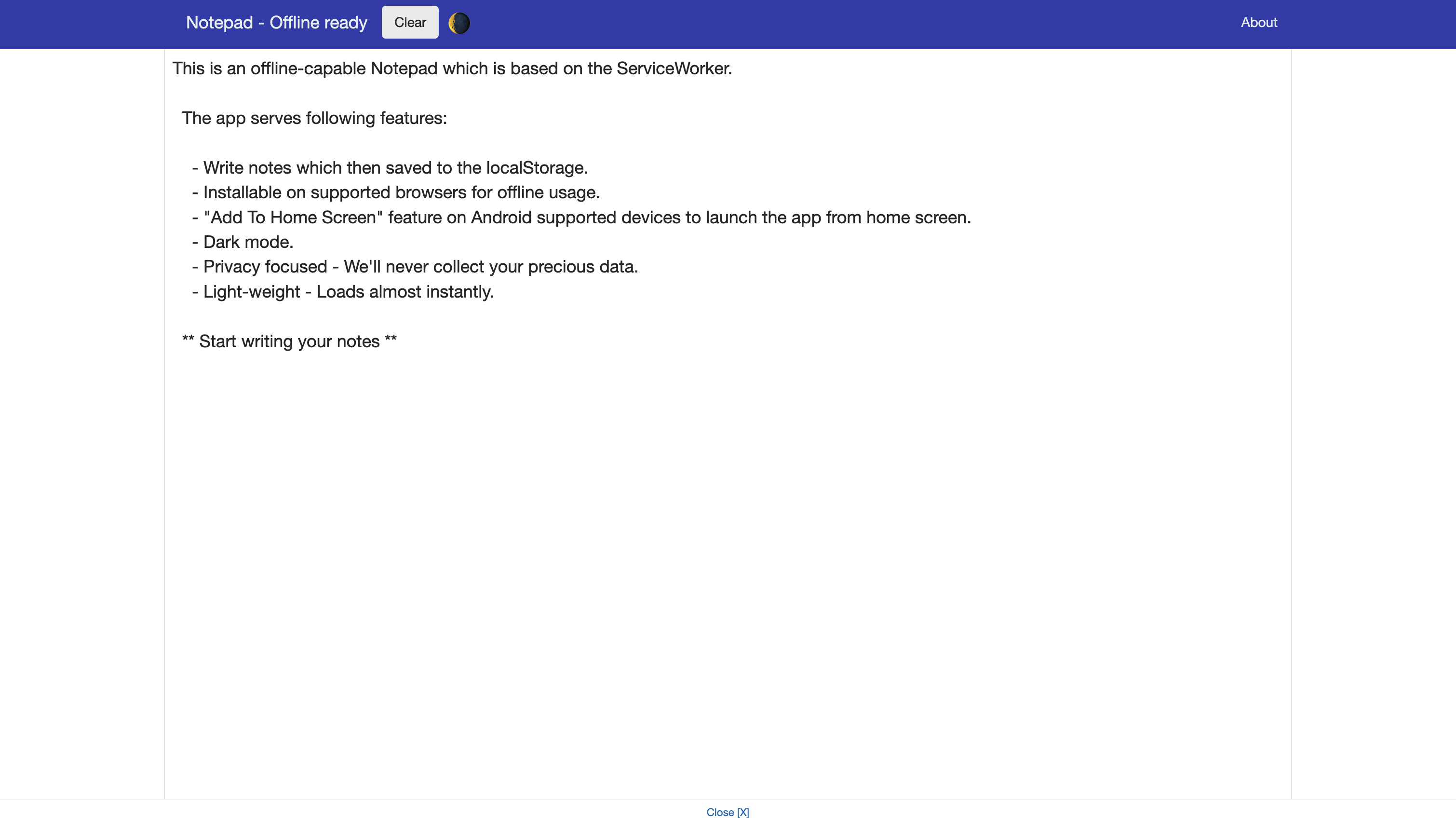
This app has been shaping up quite nicely at this point.
Early 2020
Almost all of 2019 went by with the same UI as 2018, and then in early 2020, the dark mode icon got the company of a couple more icons: download notes and clear notes
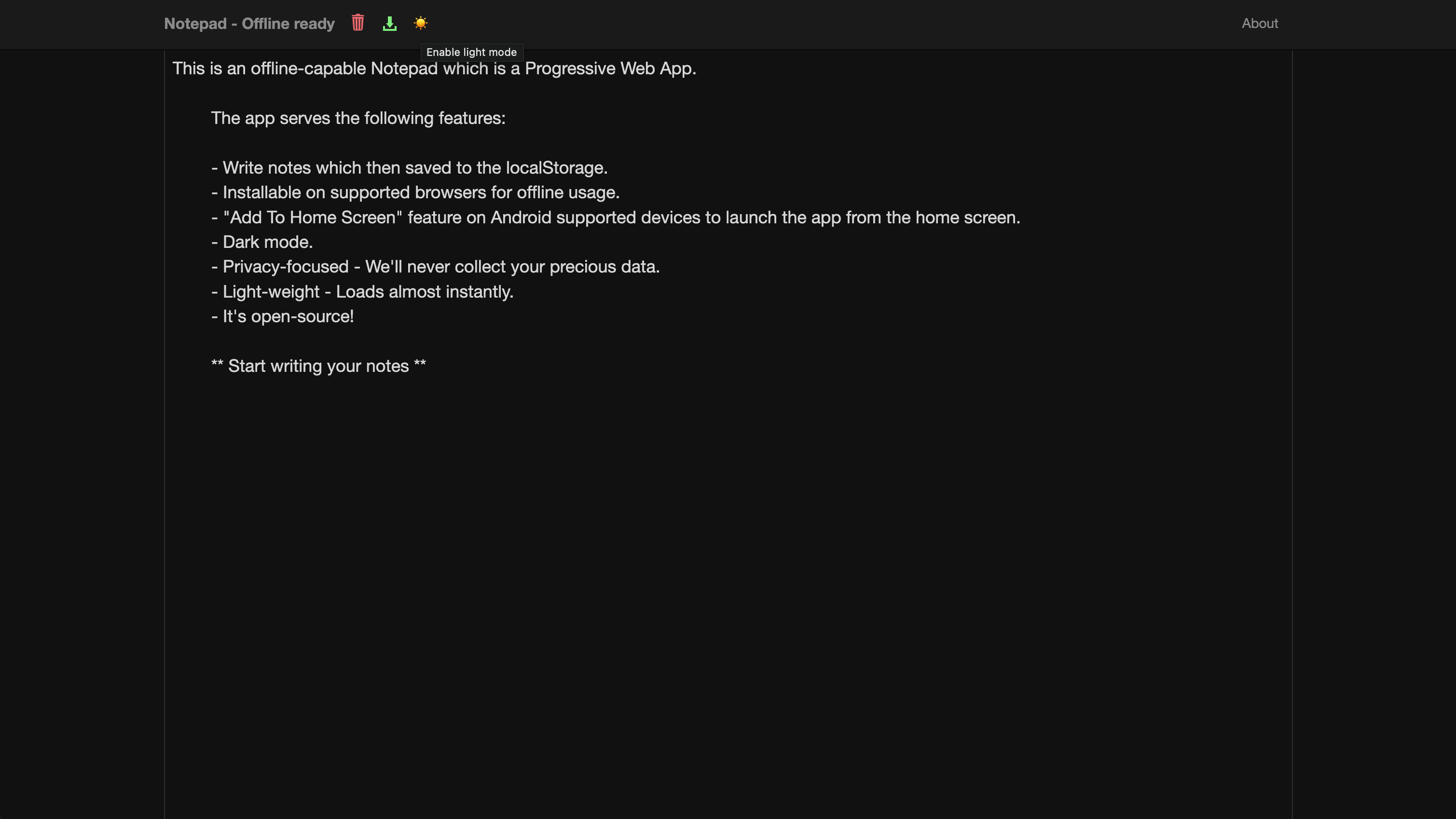 Light mode...
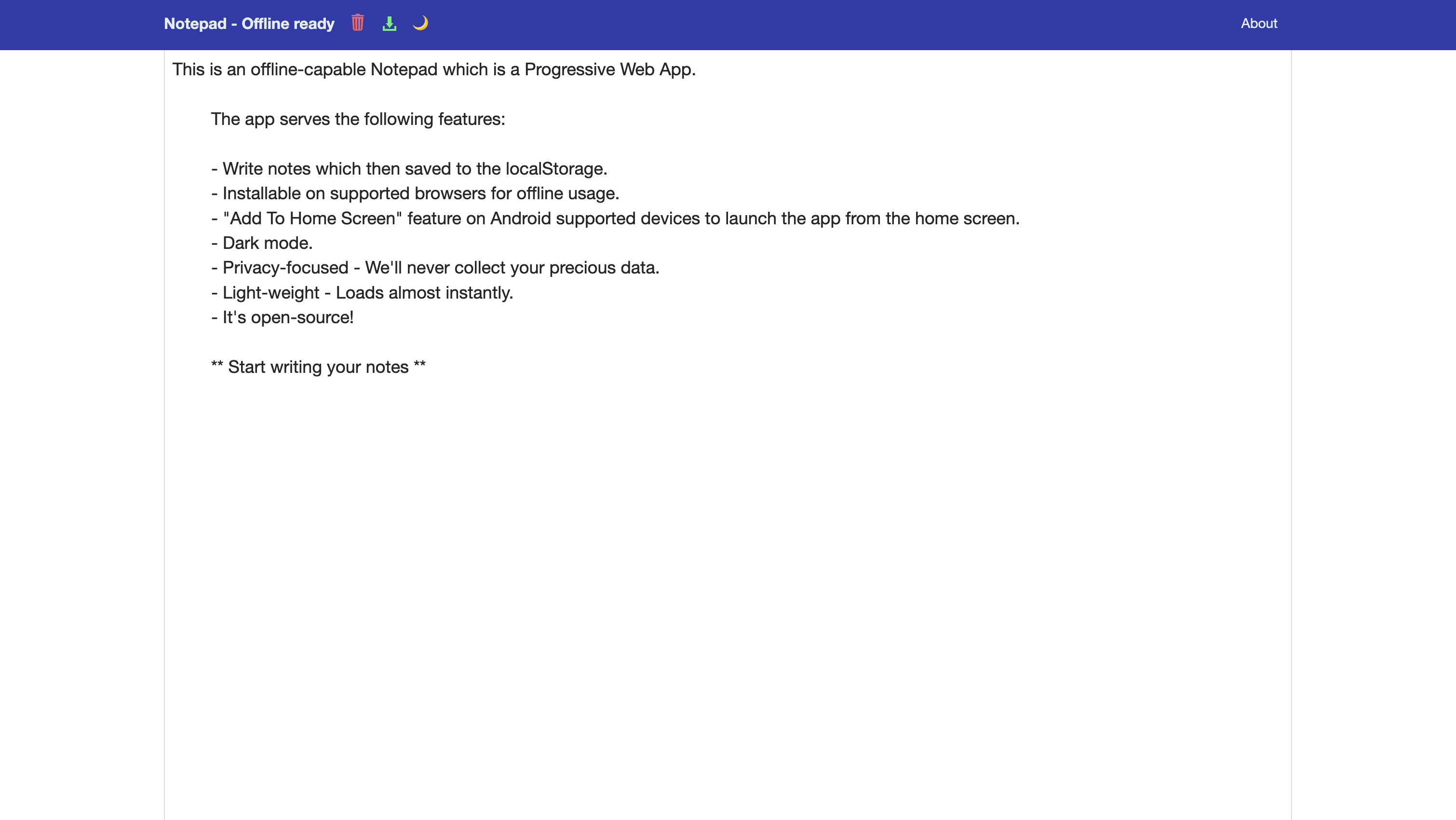 You can also notice that the dark mode has expanded its area in the navbar as well. Cool, isn't it?
Late 2020
Here's how the app looks in December 2020 with a few refinements to the UI and an additional option to copy notes.
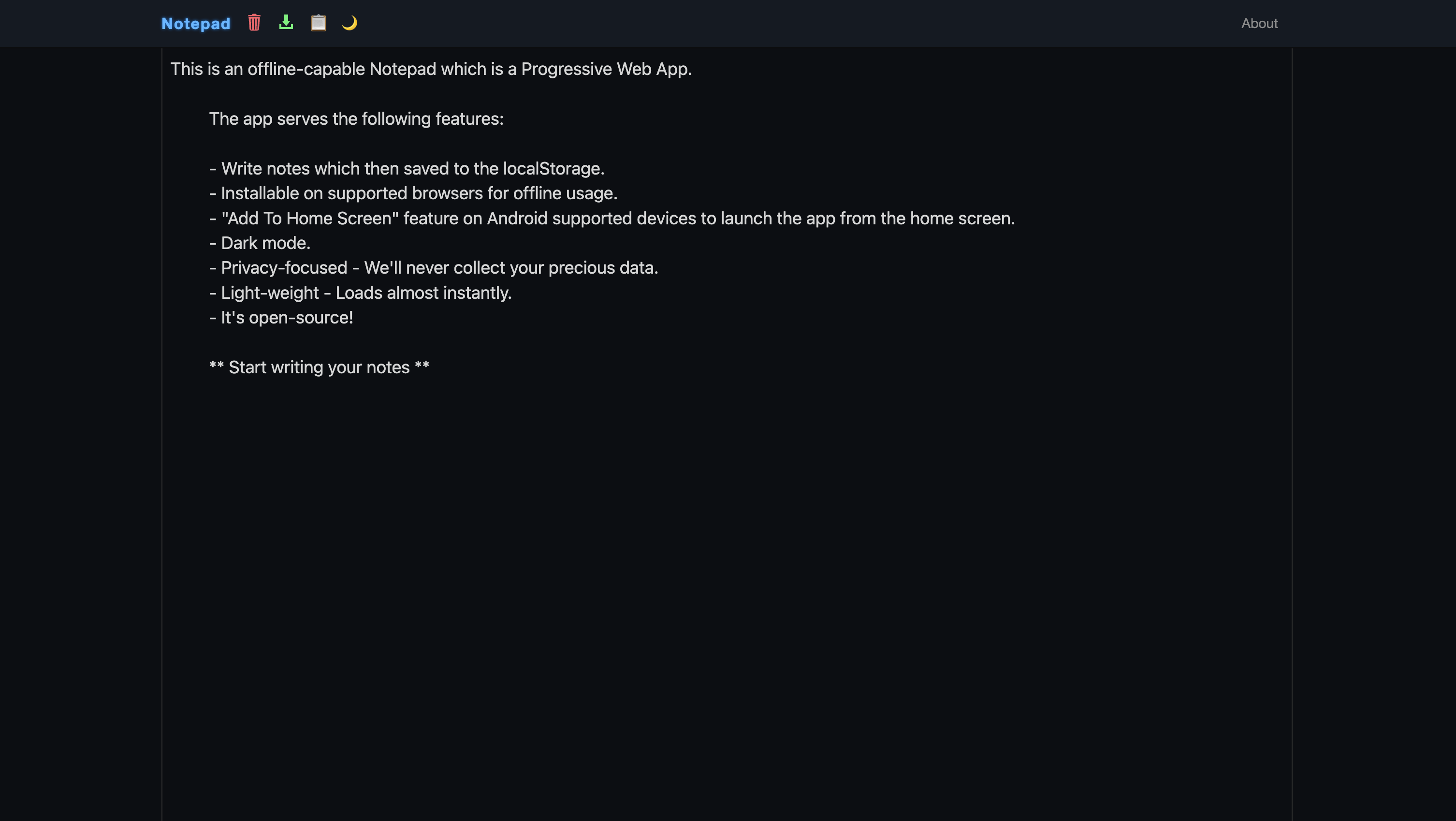 And light mode...
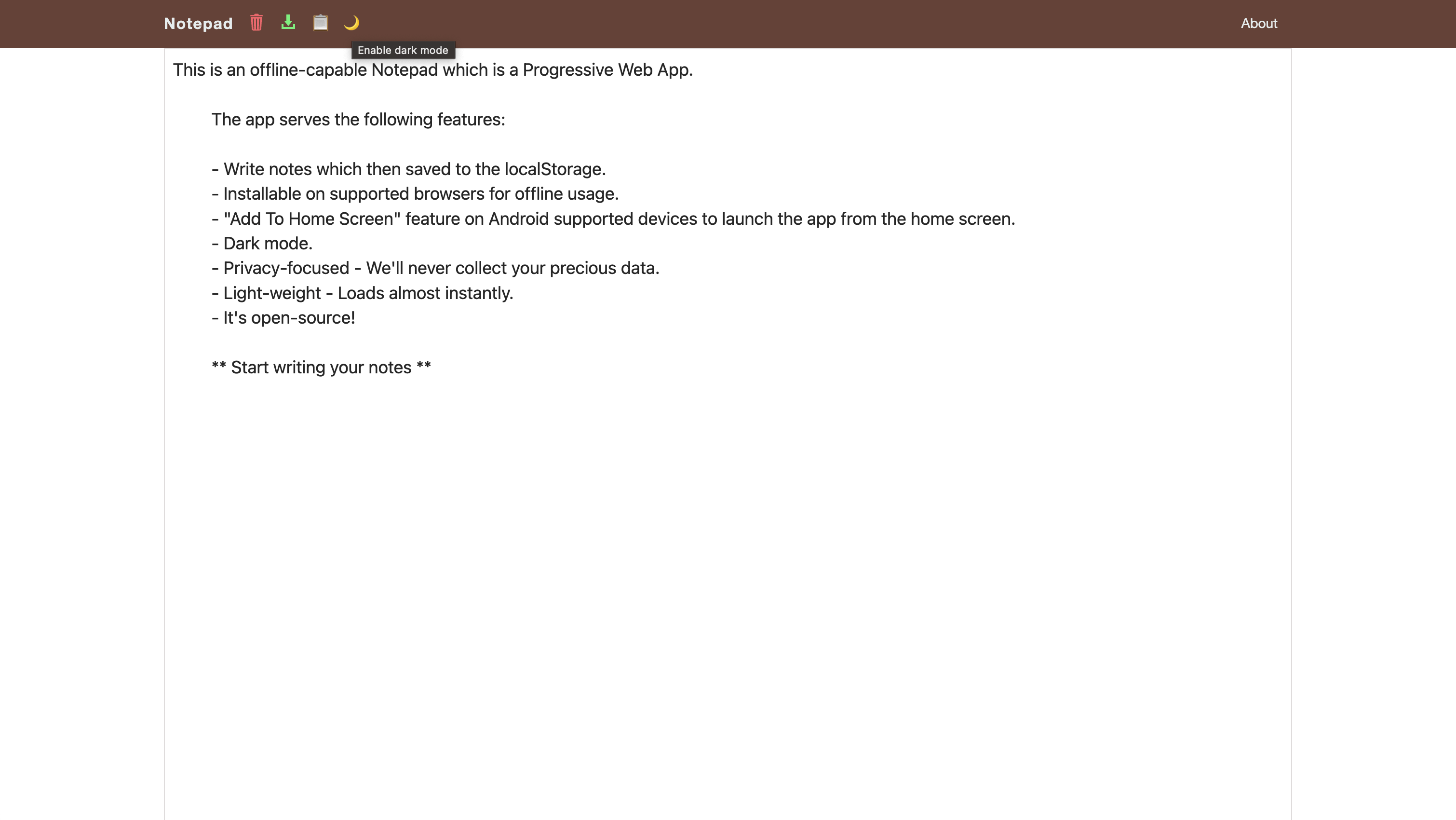
Nice!!
Early 2021
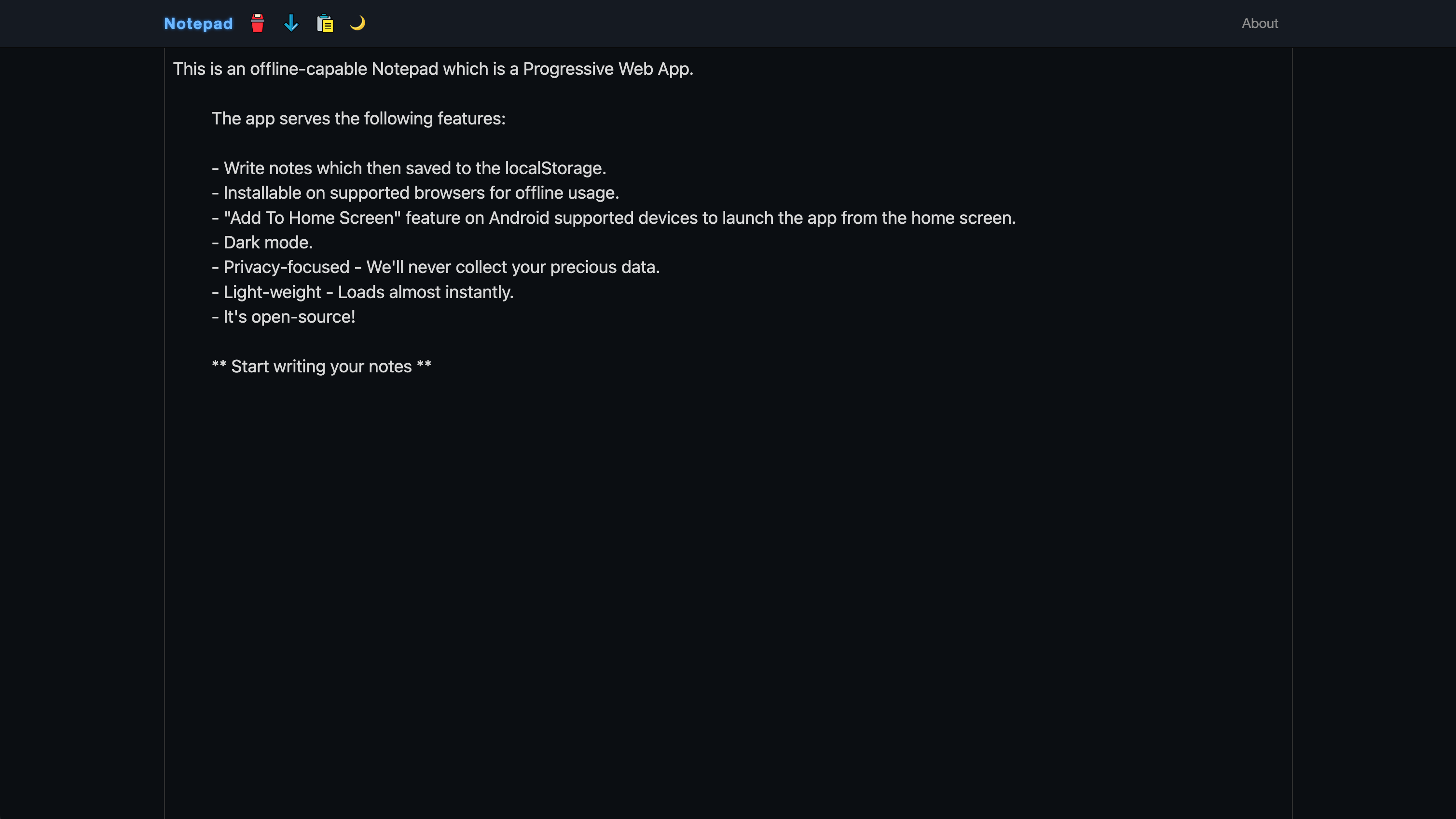
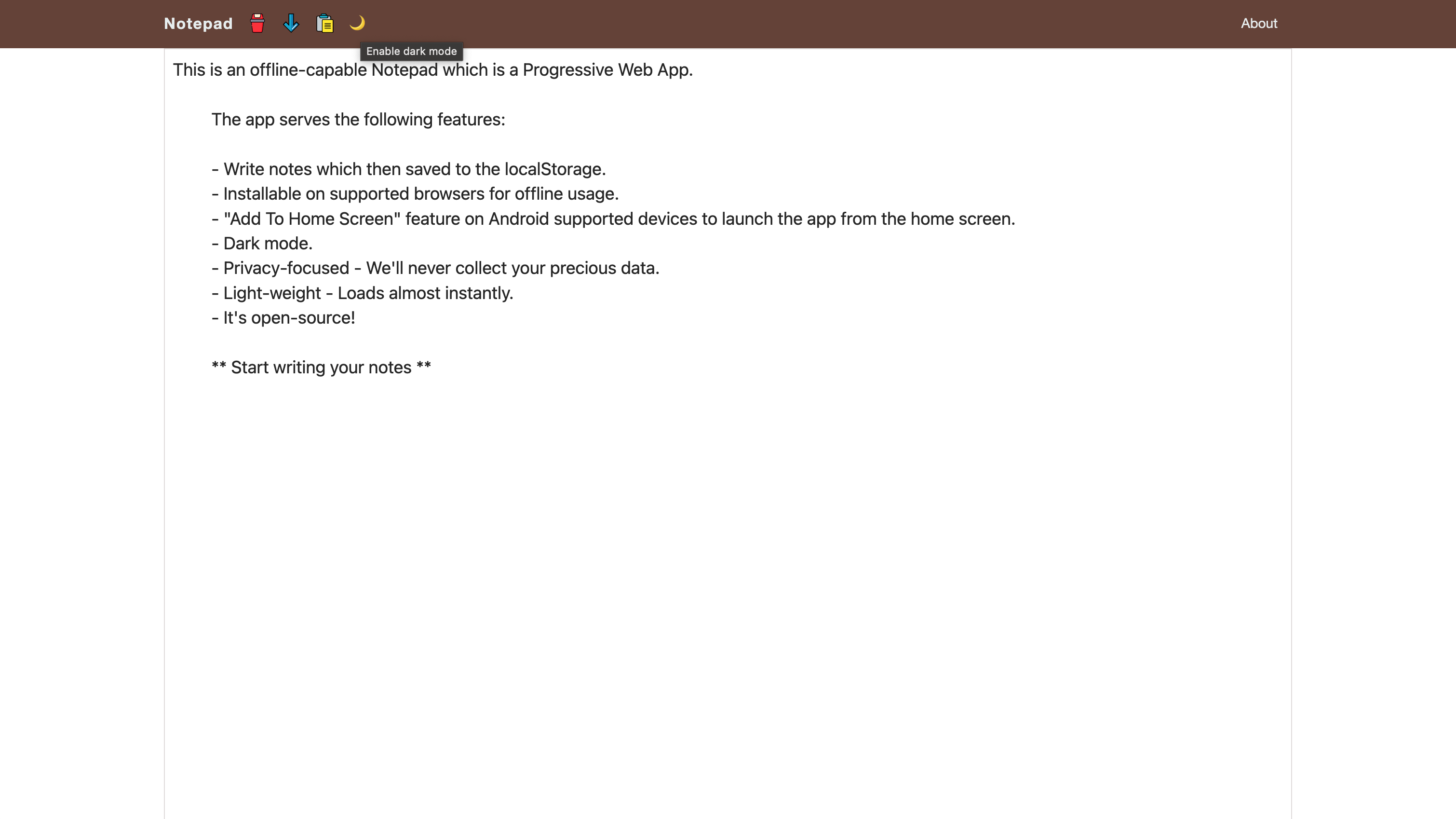
In 2021, I decided to give a bit of a makeover to the icons and hence a more playful set of icons in the navbar.
 And light mode...
Mid 2022
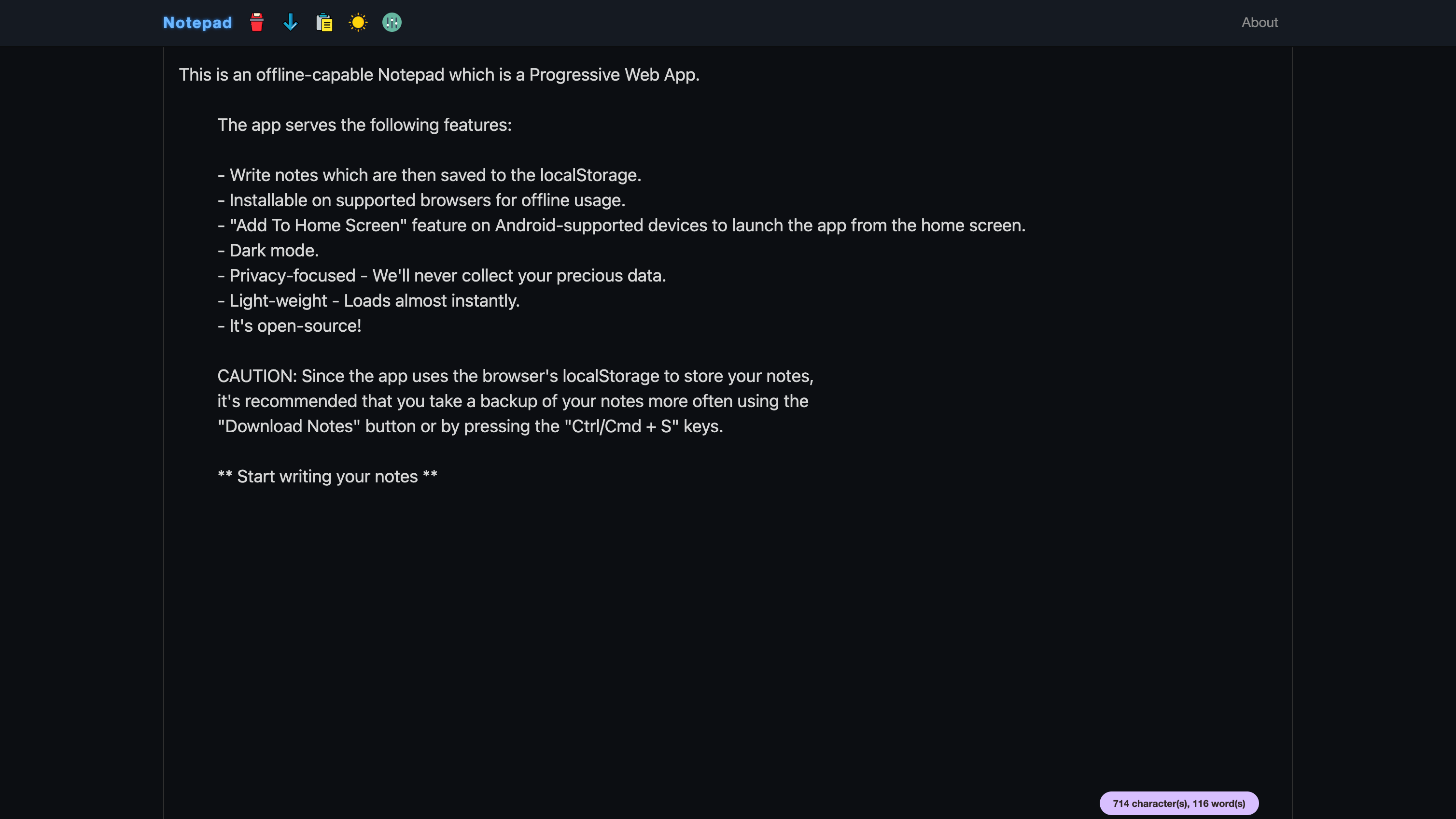
Much of 2021 stayed silent when it comes to a visual upgrade of the app until August 2022, when the app got Preferences and a Word count pill!!
 The preferences just had all the necessary things a typical user needed.
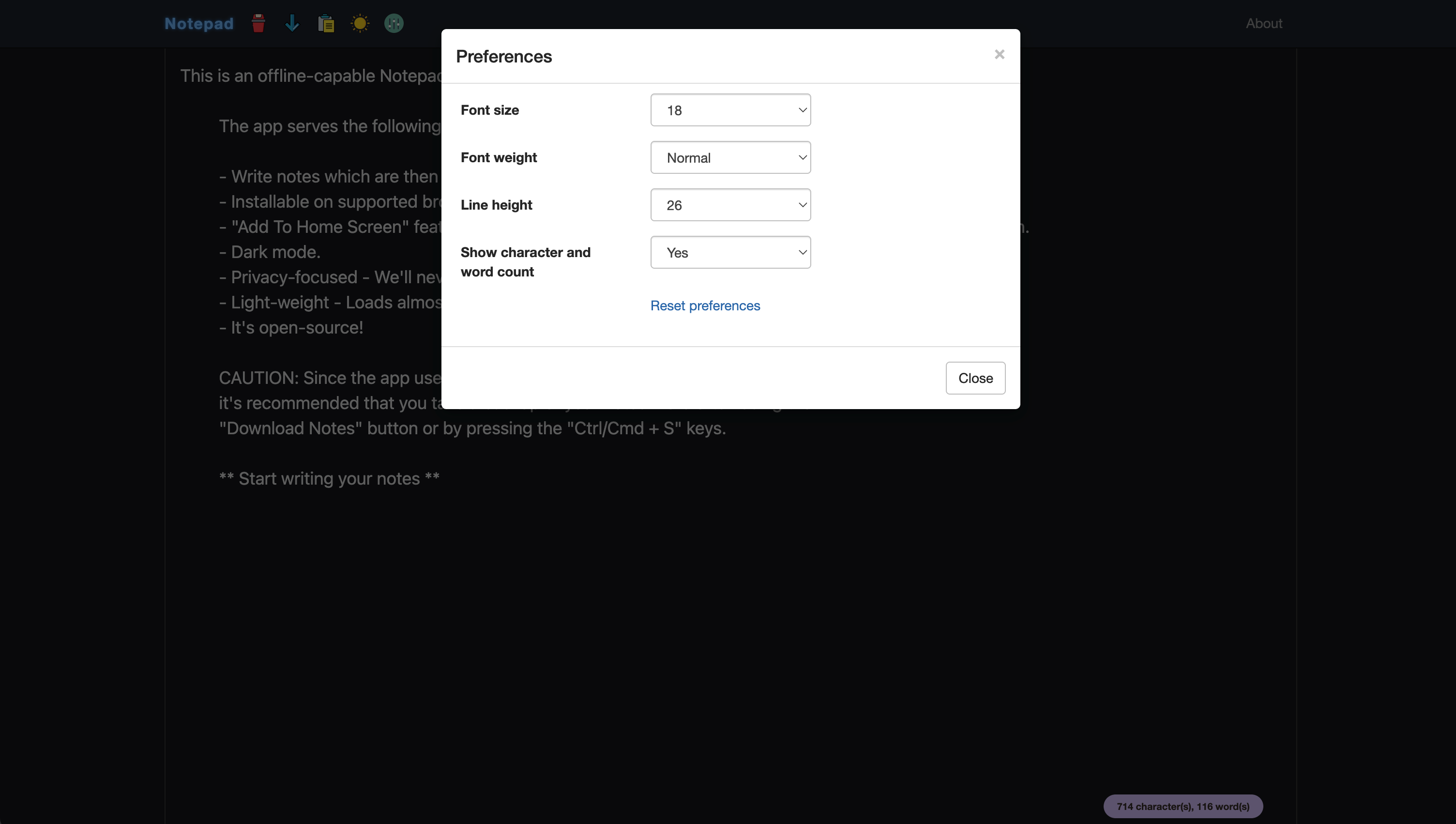 Enough to get started with a pinch of personalization!
Mid 2023
The app got its ability to be installed on the supported devices sometime in 2023. Or more specifically, an explicit option to install it on your device.
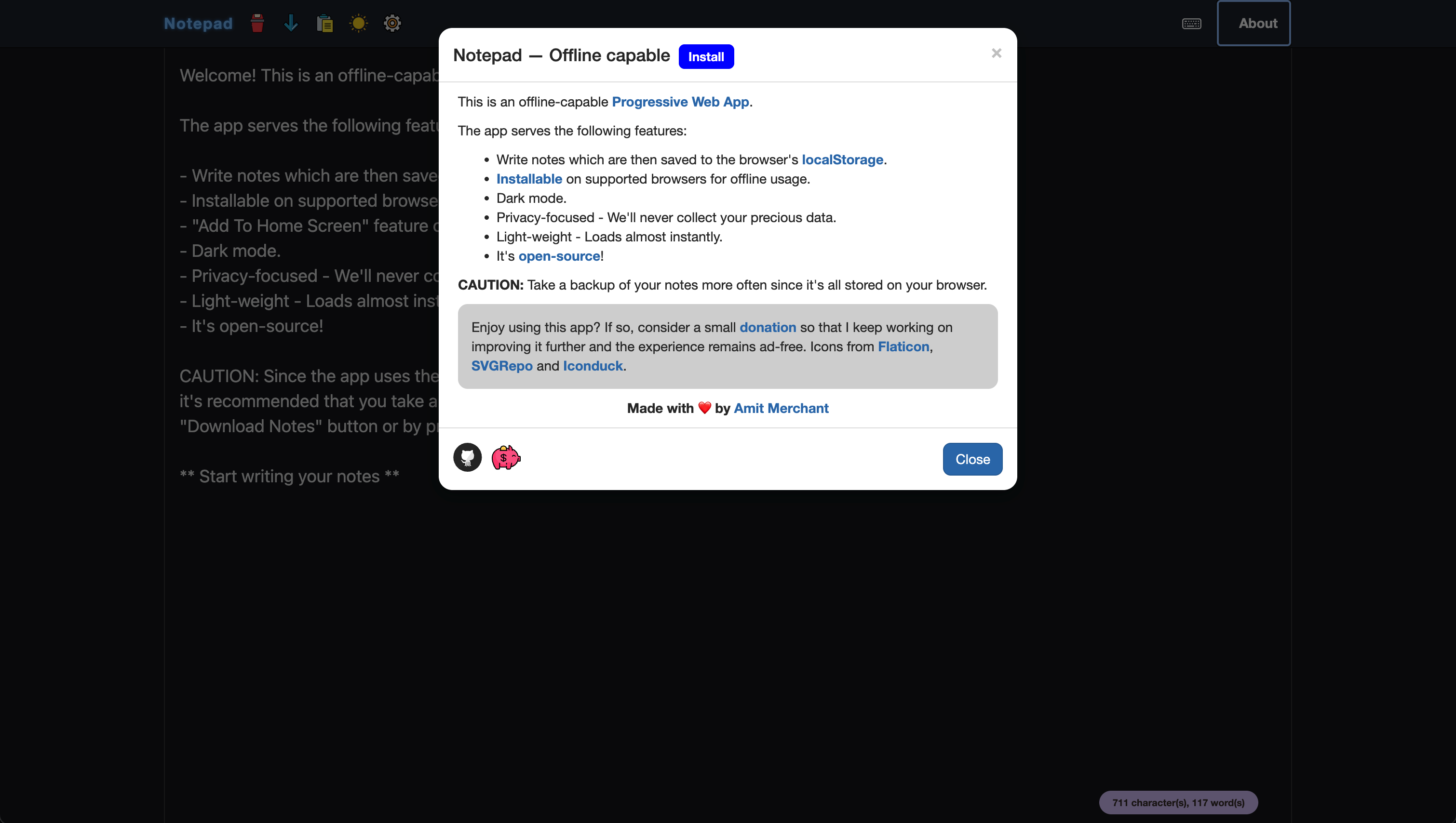 March 2024
By 2024, the preferences had a couple more options to make the app yours!
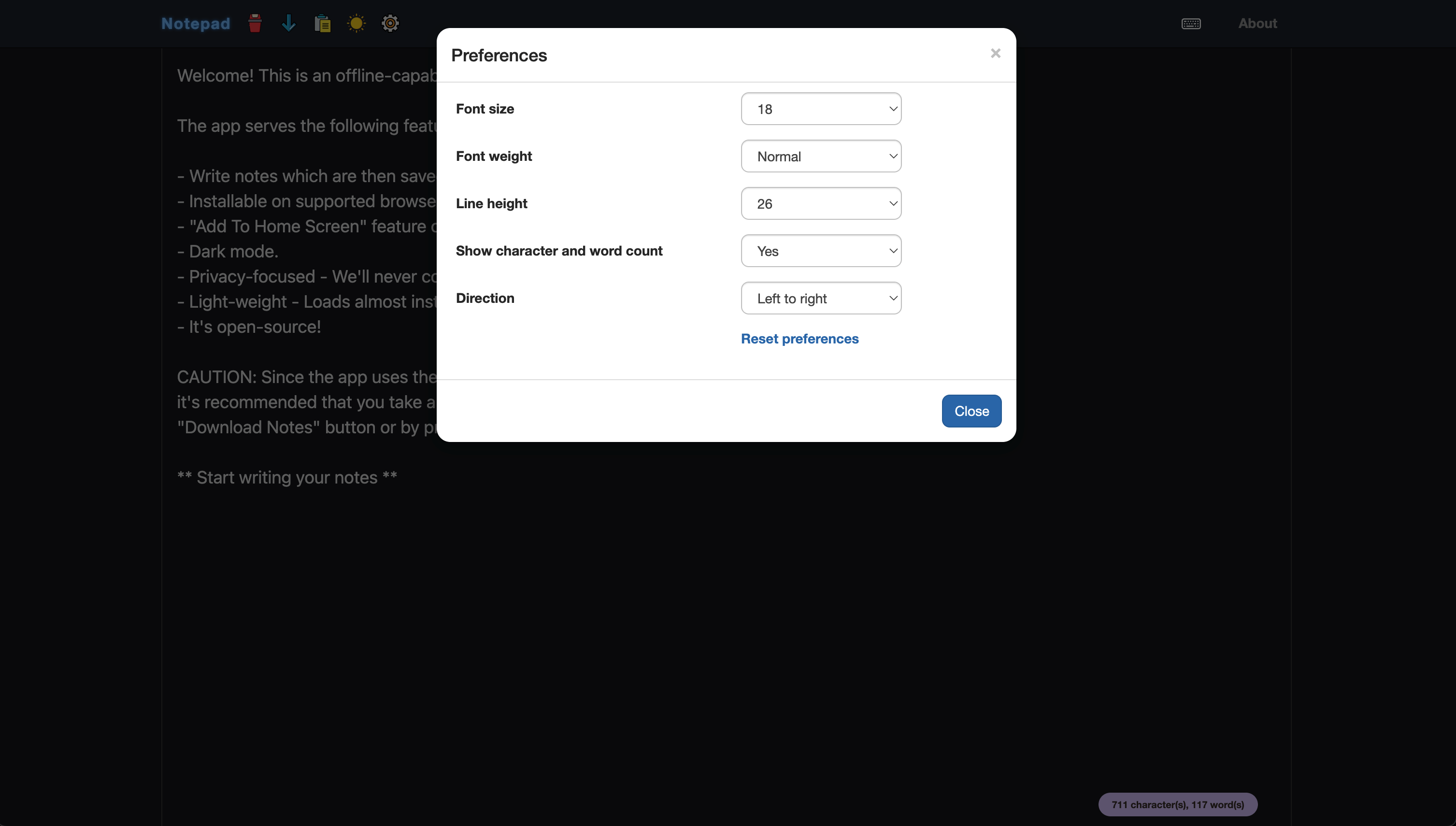 September 2024
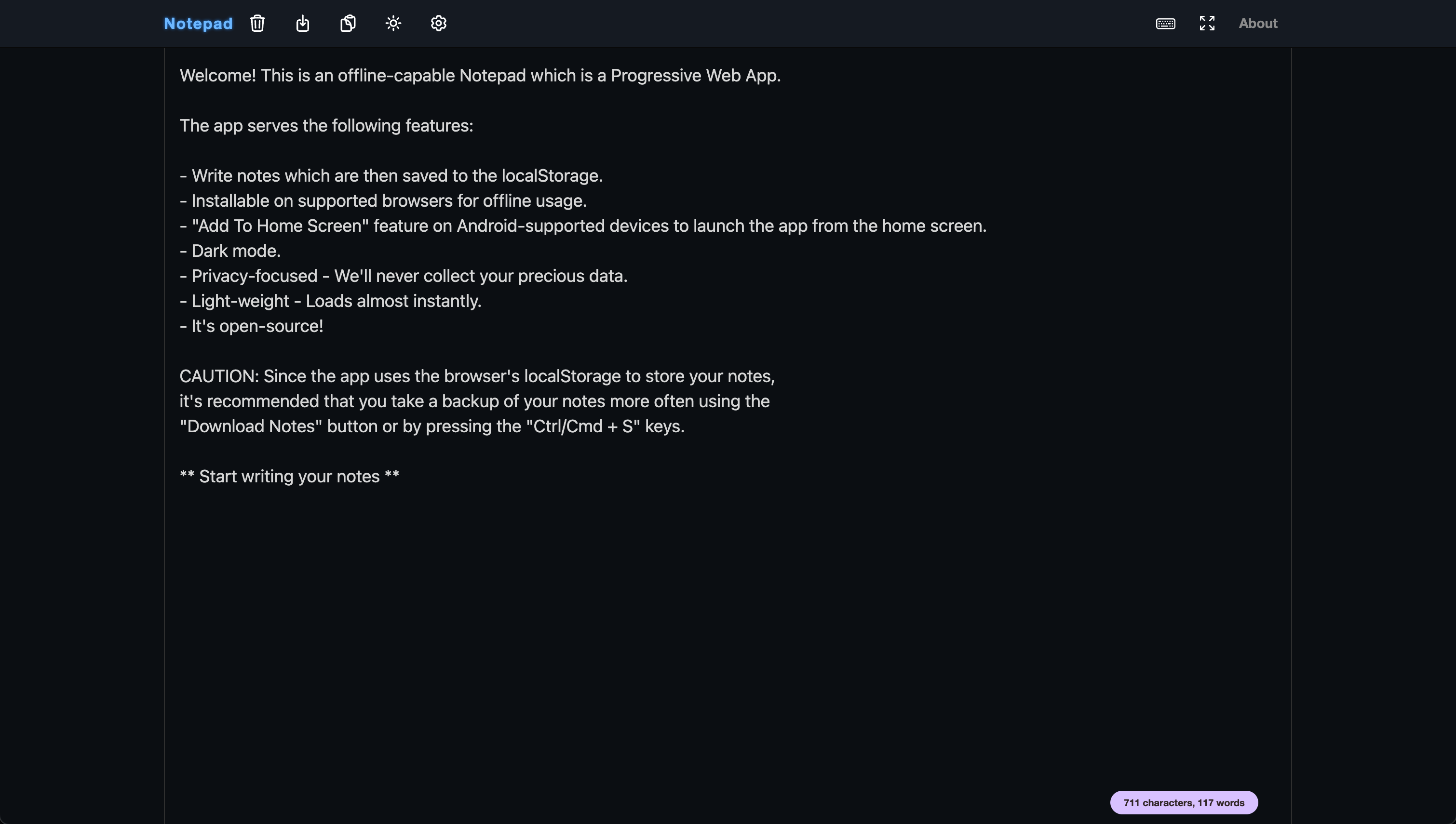
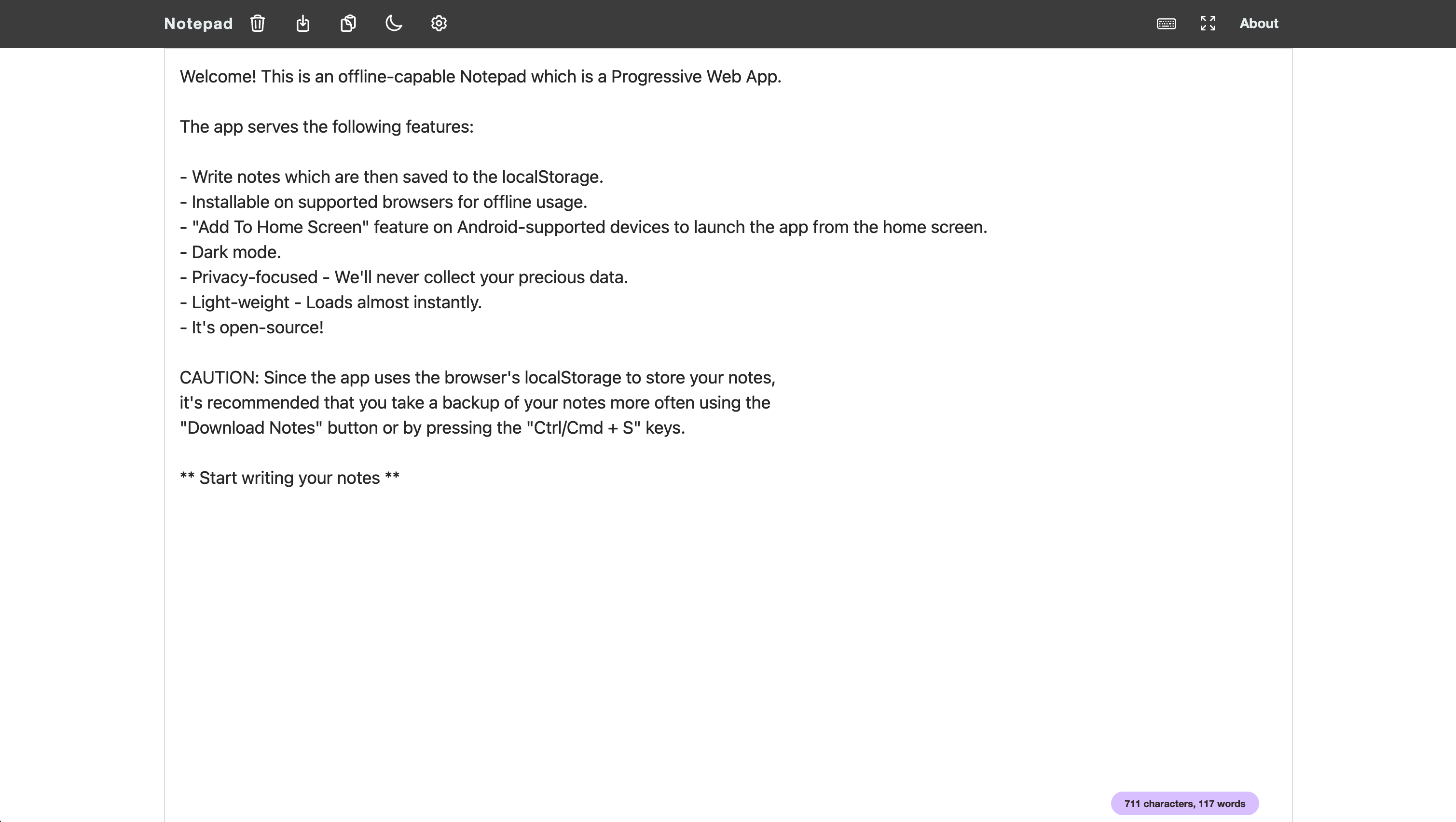
Around this time, I replaced all the colored icons in the navbar with more sophisticated monochrome ones to give it a more professional feel.
 And light mode...
December 2024
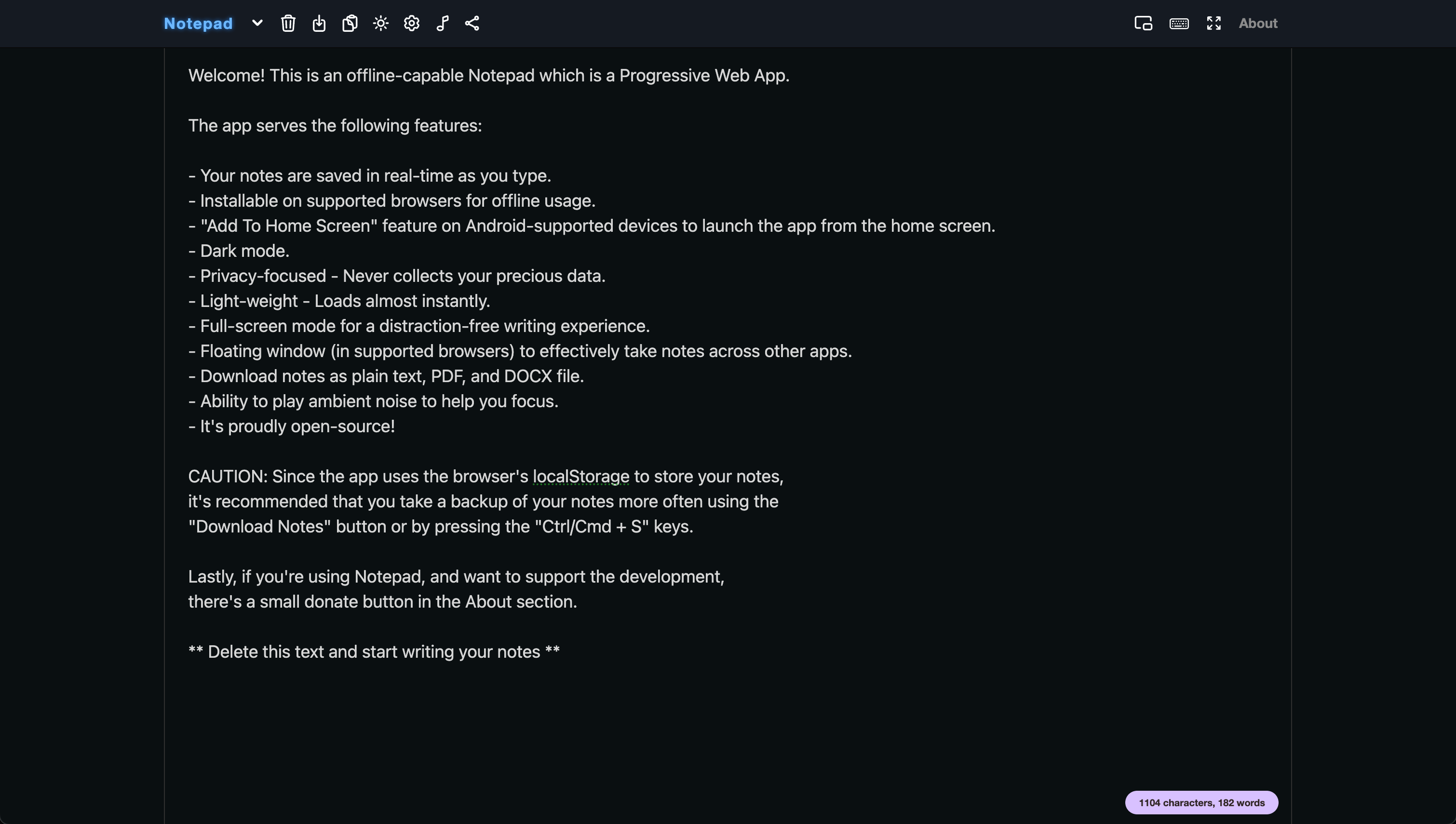
Towards the end of 2024, I tightened up the header icons by introducing a couple more options, including the fan-favorite Ambient Noise and the Picture-in-Picture mode.
 Light mode...
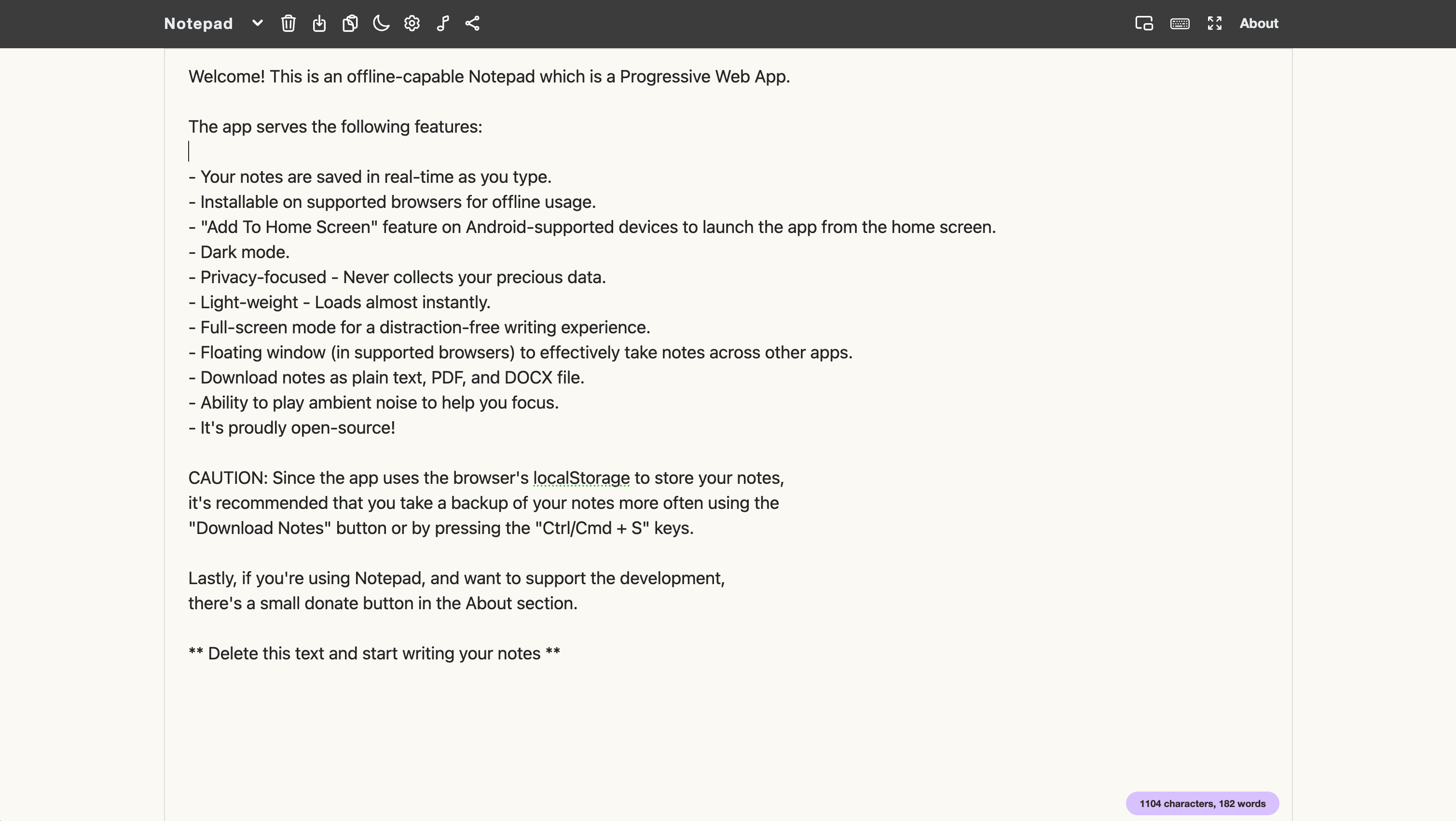 You can also notice that the light theme has been changed a bit!
December 2025
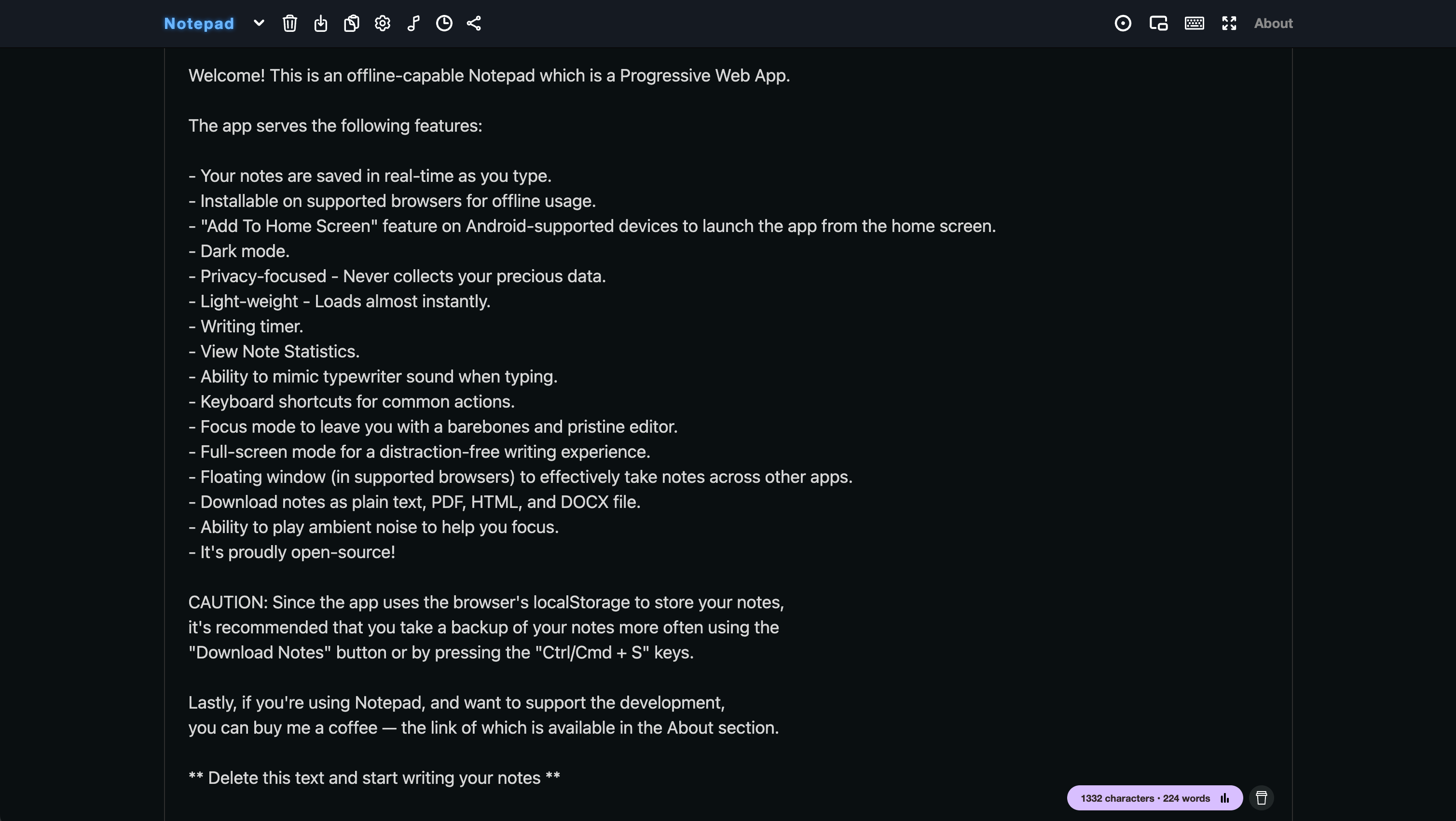
This is how the app mostly looks currently.
It has a bunch of new features and is now more polished than ever!
 In closing
Phewwww.... Wow! I was quite on a roller coaster ride of nostalgia while writing, but it was worth it. This cozy little app has a special place in my heart, and reminiscing about it with you guys always gives me joy that I can't describe in words!
I hope you liked reading it too!!
Until next time,
Amit