

HighlightText for Adobe Illustrator
$6
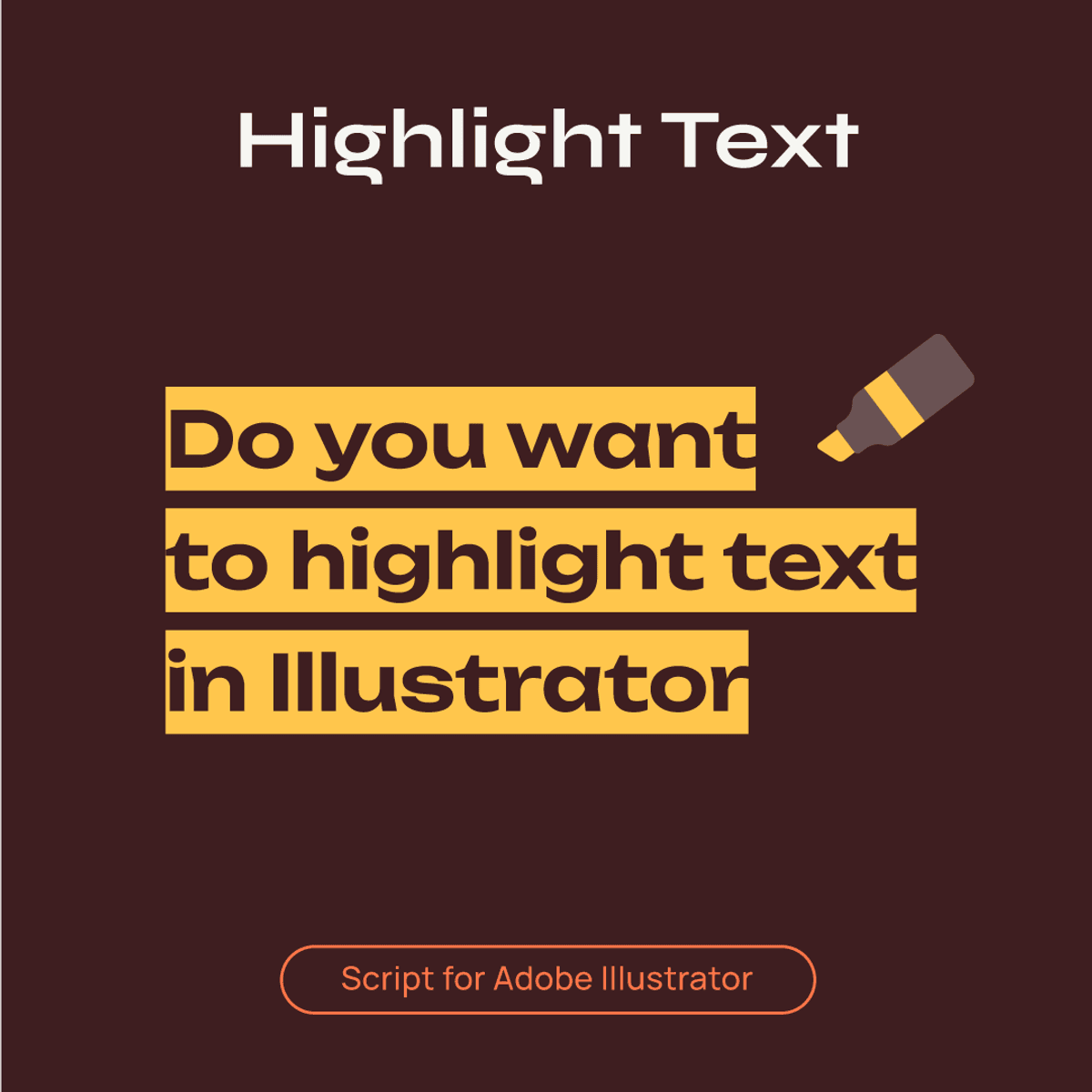
HighlightText — script for adding highlighting strokes based on text lines.
Watch Demo
https://kinescope.io/6imAUvy7hxi7fKJNuk1Rad
Features
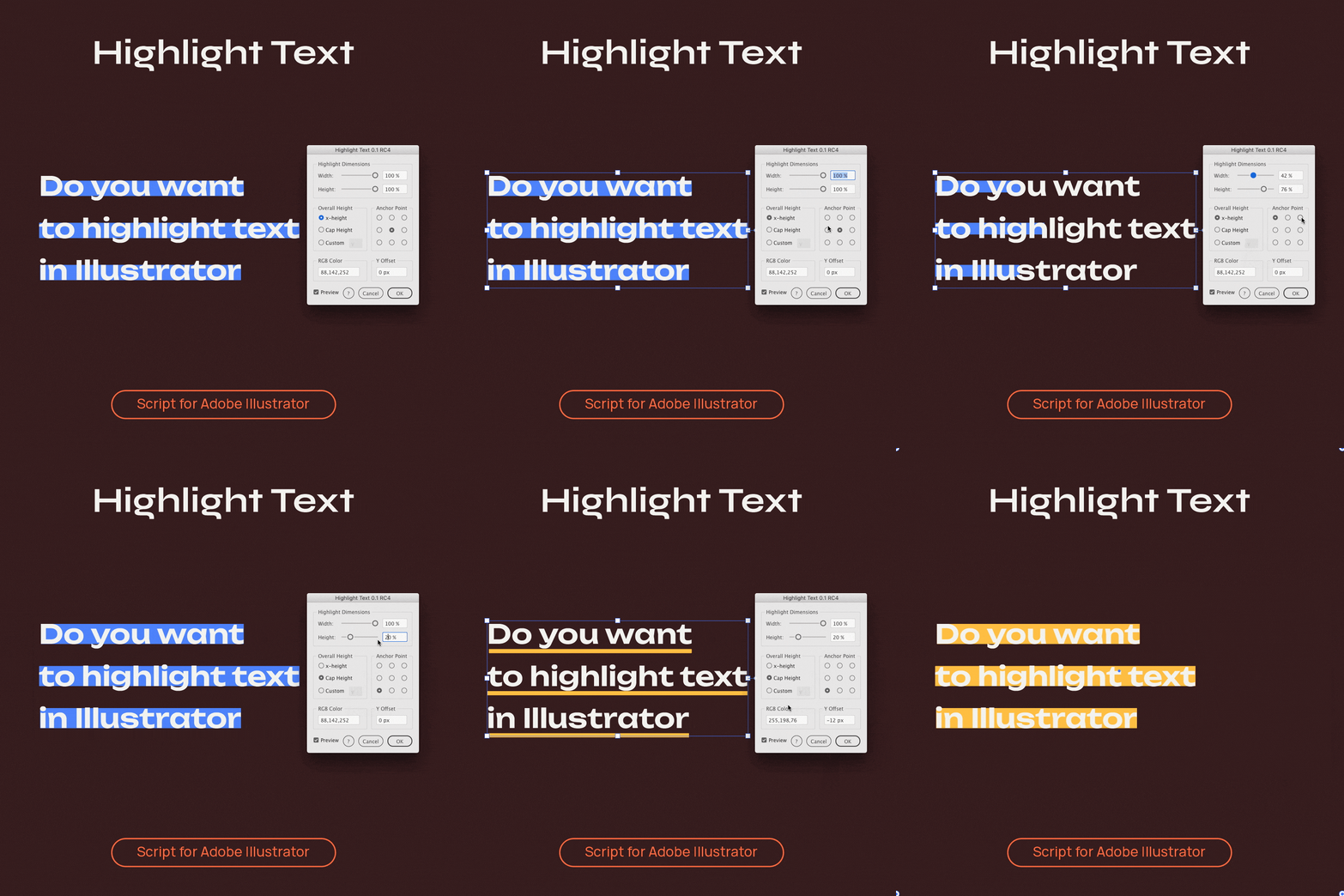
- Use % or an absolute value for width and height of strokes. Units: px, pt, in, mm, cm, m, ft, yd
- Type 'fit' (no quotes) to use the full width of the area
- Choose x-height, Cap Height or custom letter to define the relative height
- Experimental one-line highlighting of word ranges
- Set the individual alignment of strokes relative to text lines with the anchor point selector
- Set the distance to move strokes in the vertical direction with Y Offset
- Edit numeric values faster with arrow keys or left & right brackets
- Automatic RGB and CMYK mode detection
- Color picker integration
- Ability to create and save presets
- Line styling options (zig-zag, dashed stroke)
- You can use the Stroke and Appearance panels to stylize your strokes further
How to Install
- Download the archive and unzip it
- Place HighlightText-rc4.jsx into Adobe Illustrator scripts folder (How to run scripts)
- Restart Illustrator
Supports
- Adobe Illustrator CS6–2026
- UI language: En
- OS: Windows & Mac OS
$6
Enter a fair price
$
$6