
Hiring teams are reading more cover letters than ever, and many of them sound strangely similar. At the same time, job seekers are using AI writing support to save time, fix grammar, and improve structure. That creates a practical question for recruiters and managers, and also for applicants who want to stay honest and avoid misunderstanding: how to check if a cover letter was AI-written.
A fair check is not about judging polished writing. It is about identifying patterns that suggest a cover letter was generated, lightly edited, and submitted without real personalization. This guide explains free, general methods you can use first, then shows a detailed way to check a cover letter using Easy AI Checker at the end.
Why this matters in hiring
A cover letter should do one main job: connect a specific person to a specific role. AI-generated letters can look clean, but they often miss what hiring teams value most: true alignment, real examples, and accurate detail. Even when AI is used responsibly, a letter can become too generic and lose impact.
For job seekers, a check helps you avoid submitting a letter that feels templated. For hiring teams, a check can support consistent review, especially when there are concerns about authenticity.
Start with the simplest check: specificity.
Many AI-written cover letters share a clear weakness. They sound correct, but they do not sound specific.
Look for role-specific details:
A human-written cover letter usually includes details like:
A tool, process, or workflow used in the same kind of role
A real outcome, such as a measurable result
A reason the company matters to the applicant
A short story that connects experience to the job requirements
AI-written letters often rely on broad statements, such as “I am excited to apply” or “I am a strong team player,” without proving it. This is one of the strongest signals in how to tell if a cover letter is AI-generated.
Check whether the company name feels pasted in:
If the letter only mentions the company name once, and the rest could fit any employer, the letter is likely templated. AI makes this easy by producing a general letter and dropping in the company name near the top.
A useful method is to remove the company name and job title. If the letter still reads smoothly without them, it may not be truly tailored.
Review structure and repetition patterns
AI writing tends to follow reliable patterns. These patterns can appear in human writing too, so treat them as signals, not proof.
Common AI structure signals.
Look for:
Three-paragraph layouts that repeat the same logic every time
Predictable transitions, like “Furthermore” and “In conclusion,” are used in many places
Bullet lists that feel comprehensive but shallow
Repeated sentence length and rhythm across the letter
These are typical AI writing patterns in job application letters, and they stand out even more when you compare multiple letters for the same role.
Watch for over-polished neutrality.
AI-generated cover letters often sound calm and balanced throughout. Human letters usually show a bit more personality in how the writer explains decisions, priorities, or challenges.
Check voice consistency with the resume.
A cover letter and resume should sound like they belong to the same person.
Compare language level and word choice.
If the resume uses simple phrasing and the cover letter uses advanced, formal vocabulary with heavy corporate language, that mismatch may indicate generation or heavy rewriting.
This is a practical approach to how recruiters detect AI-generated cover letters because it relies on internal consistency rather than style alone.
Look for repeated claims without evidence.
AI letters may repeat the same claim in multiple ways, such as:
“I am detail-oriented.”
“I pay close attention to detail.”
“My attention to detail ensures quality.”
If the letter repeats traits instead of showing outcomes, it can signal template writing.
Test the letter with a quick personalization stress test
This free test is simple and effective.
Underline every sentence that could apply to almost any job.
Count the underlined sentences.
If more than half the letter is underlined, it is likely generic.
This method is useful for free ways to spot AI in a cover letter because it forces the letter to earn its specificity.
Look for unrealistic or vague achievement statements
AI is good at sounding impressive. It is not always good at being accurate.
Red flags in achievements
Be cautious when you see:
Big outcomes without numbers, timeframes, or scope
Buzzwords stacked together with no example
Claims that do not match the resume timeline
Industry terms used incorrectly
This matters for signs that a cover letter was written by ChatGPT-style output, where the letter may include confident but unsupported claims.
Check for missing personal motivation.
Human cover letters often answer “why this role” and “why this company” in a natural way.
AI letters often say:
“I admire your commitment to innovation.”
“I am excited about your mission.”
Those lines may be true, but they are usually generic. A strong letter mentions a real product, a real initiative, or a real reason that connects to the applicant’s experience.
This helps with how to check cover letter authenticity because motivation is hard to fake without research and real interest.
Use a short follow-up question if you are reviewing candidates
If you are a recruiter or hiring manager, you can use a respectful follow-up question that tests understanding without accusation:
“Can you share one example from your experience that best matches the role requirement X?”
“What part of this role is most challenging for you, and why?”
If the candidate wrote the letter, they can usually answer clearly. If they relied on generic text, answers may stay vague.
This supports questions to ask if you suspect AI wrote the cover letter while keeping the process professional.
Avoid false positives
A polished cover letter does not equal AI. Some candidates write well, use professional templates, or get help from mentors. It is easy to misjudge if you rely on one signal.
Common reasons a human letter looks AI-written
Human writing may look “AI-like” when:
The writer uses a structured template
The letter follows a predictable academic format
The writer is very formal or careful
The candidate is a strong editor
That is why knowing how to avoid false positives in AI cover letter detection should be part of your workflow. Use multiple signals and focus on evidence, not only style.
A fair, repeatable workflow
Here is a simple process that works for both job seekers and reviewers:
Check specificity and personalization first.
Compare voice consistency with the resume.
Review achievements for realism and alignment.
Run an AI check as one supporting signal.
If needed, confirm with a short follow-up question.
This creates a balanced, low-conflict approach and avoids quick assumptions.
How Easy AI Checker works
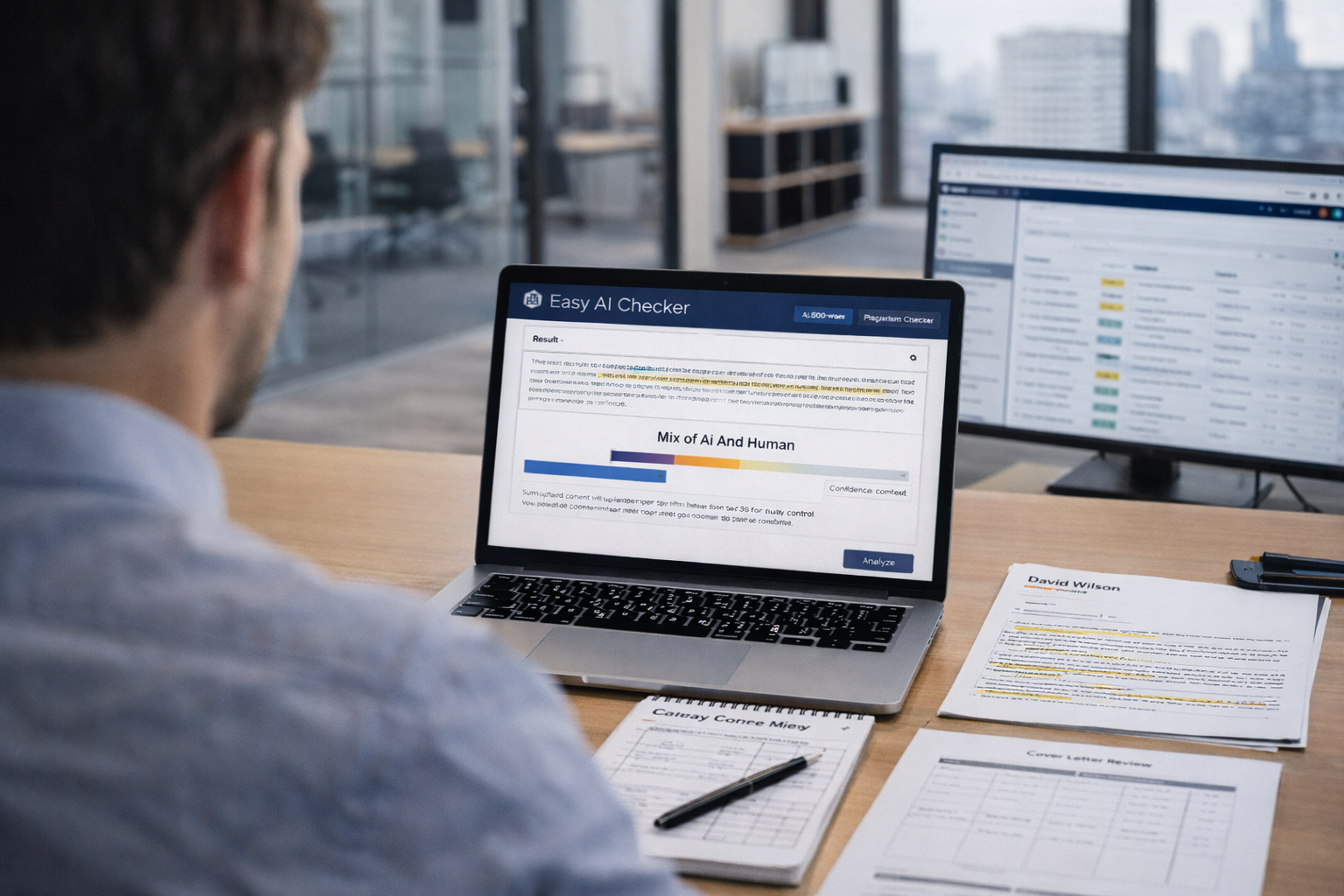
Easy AI Checker provides a straightforward checking area where you can submit content in different ways. It allows you to paste text, enter a URL, or upload a file. The upload section indicates it accepts TXT, DOCX, and PDF files. It also shows a “1500 words left out of 1500” limit indicator, which helps you plan what part of a longer cover letter to test.
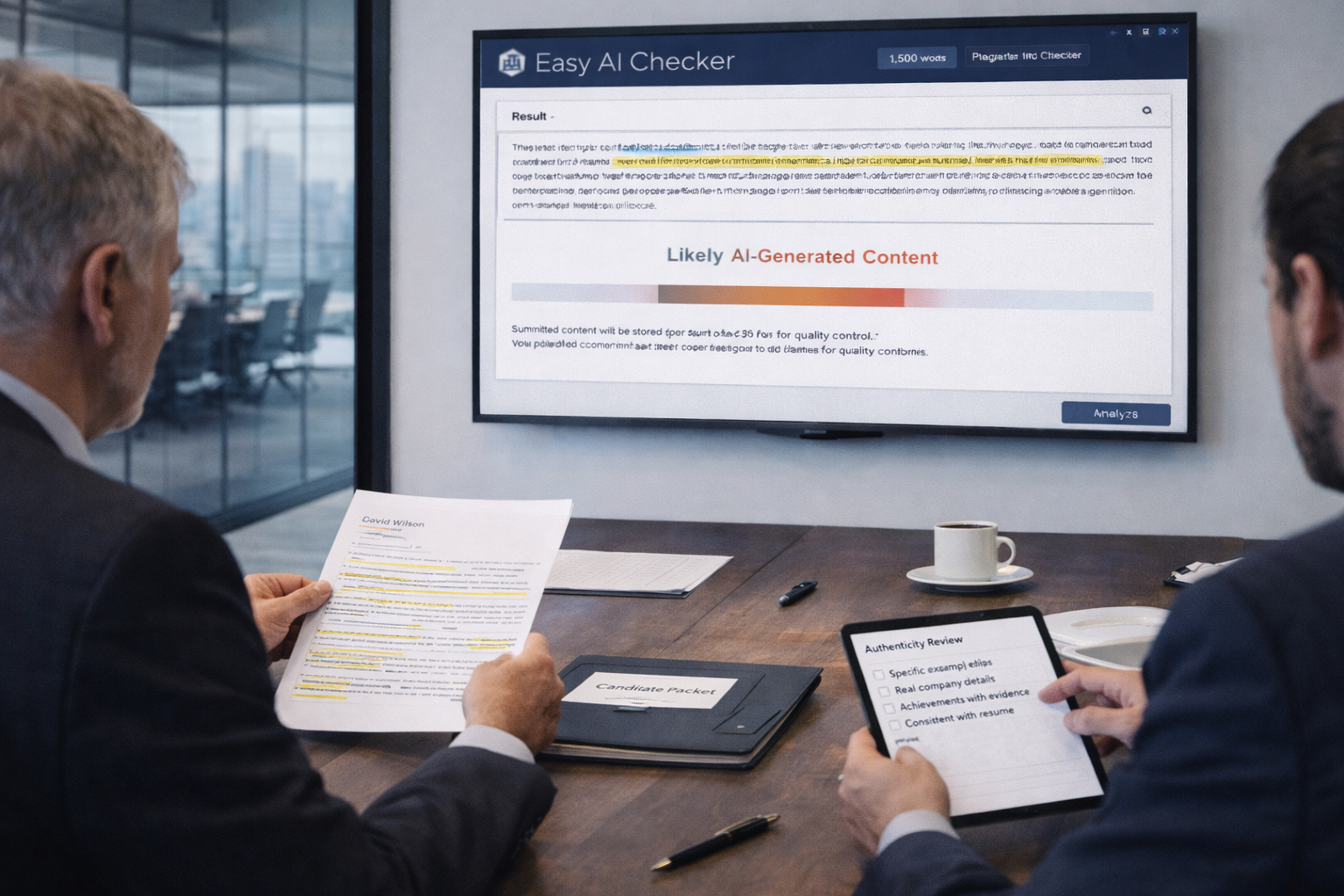
Easy AI Checker includes two main options: AI checking and plagiarism checking. For AI checking, it reports results using clear outcome labels, including “Likely AI-generated content,” “Mix of AI and Human,” and “Human-generated content.” The page also displays a note advising users not to click the Analyze button too fast.
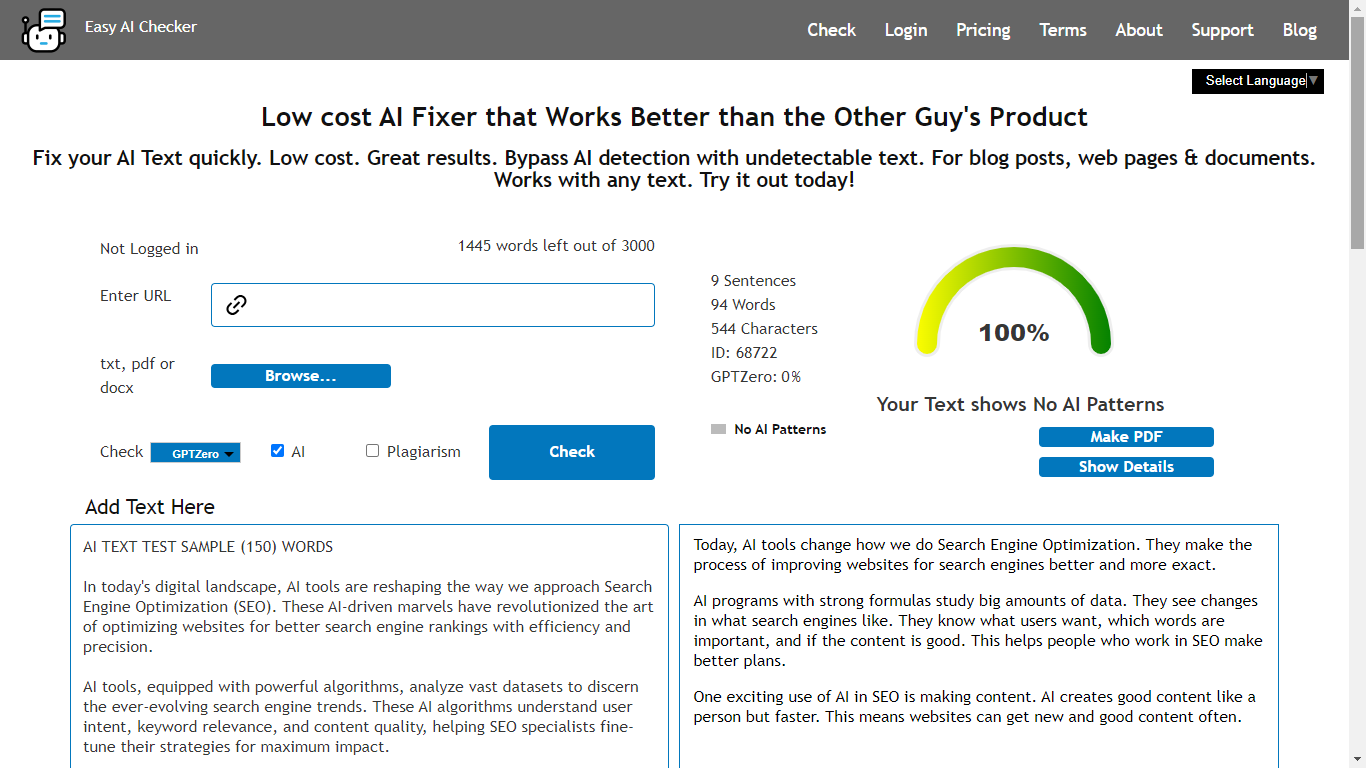
Easy AI Checker also explains key usage limits. It states that anything placed on the website is stored for 60 days for quality control purposes. It also notes that its detector model currently supports English text.
How to check if a cover letter was AI-written for free using Easy AI Checker
This section explains a practical way to use Easy AI Checker for cover letters without over-relying on a single result.
Step 1: Prepare the cover letter text
Before you paste or upload, clean the input so the check focuses on the applicant’s writing.
Remove non-essential parts:
If the cover letter includes:
The full job description
Long legal disclaimers
Repeated contact blocks
Large quoted sections
Remove those parts first. You want the tool to review the main body of the letter.
This step supports the best way to check if a cover letter is AI-written because it reduces noise and improves the quality of the signal.
Keep the most meaningful section:
If you need to shorten the text, prioritize:
The opening paragraph
The paragraph with achievements and examples
The closing paragraph that connects interest to the role
These sections usually show the strongest authorship signals.
Step 2: Choose the best input option
Easy AI Checker supports three common paths:
Option A: Paste text into the box:
This is best for cover letters copied from email drafts or documents. It is also ideal when you want to test only selected paragraphs.
Option B: Upload a file:
If the cover letter is saved as DOCX or PDF, upload the file directly. This can save time and reduce copy-paste formatting issues.
Option C: Enter a URL:
If the cover letter content exists on a web page, you can submit it using the URL option. Most hiring teams will not need this option, but it can help in special workflows.
Step 3: Select AI mode
Choose the AI checking option, not plagiarism, when your goal is to evaluate whether the text appears AI-generated.
Step 4: Run the check once and wait
Click Analyze once and allow it to complete. Follow the on-page guidance to avoid repeated clicks, since clicking too quickly can interrupt the process.
Step 5: Interpret the result label correctly
Easy AI Checker can return one of the three main labels:
Likely AI-generated content
Mix of AI and Human
Human-generated content
Use this label as a signal, not a final verdict.
If the result says “Likely AI-generated content.”
Re-check the letter using the manual methods from earlier sections:
Does it lack specific examples?
Does it sound interchangeable across companies?
Do achievements feel vague or inflated?
Then decide what to do next. If you are a job seeker, revise the letter to add true detail. If you are a reviewer, ask one clarifying question tied to the role.
If the result says “Mix of AI and Human.”
This is common when someone uses AI to draft and then edits. It can also appear when a letter is partly templated and partly personal. Focus on the most important test: role alignment and real examples.
If the result says “Human-generated content.”
A human label does not guarantee quality or honesty, but it suggests the text does not strongly match typical AI patterns. Continue reviewing for fit, evidence quality, and professional clarity.
Step 6: Improve the letter and recheck
If you are improving a cover letter, the best edits are practical and specific:
Replace generic traits with one real result
Add a specific tool, project type, or workflow you have used
Mention a real reason the company matters to you
Adjust sentence openings so the letter has a natural rhythm
This can help you reduce a templated tone and increase credibility.
Step 7: Keep privacy and language support in mind
Easy AI Checker states that submitted content is stored for 60 days for quality control. If the letter contains sensitive personal details, consider removing private identifiers before submitting. Since the detector currently supports English text, use it primarily for English cover letters.
Conclusion
Learning how to check if a cover letter was AI-written is easiest when you combine simple human review with a consistent process. Start with specificity, voice consistency, and realism in achievements. Avoid false positives by using multiple signals. Then use Easy AI Checker as a helpful supporting step, especially when you want a quick, structured check for English cover letter text. When you follow this workflow, you can make better hiring decisions and create stronger, more authentic applications.